Speaker Placement for 5.1 vs 7.1 Surround Sound
Published How we research
Front channels first: center at ear height on the screen axis, left and right 22-30 degrees off center. Find the subwoofer spot by testing at your seat then crawling the room for the smoothest bass. In 5.1, surrounds sit to the sides and slightly behind at 90-110 degrees, elevated above ear level. In 7.1, side surrounds move to 90 degrees and a new back pair sits at 135-150 degrees. The catch: 7.1 only pays off with real space behind the seating; against a back wall, 5.1 or Atmos height channels sound better. Finish by measuring distances and matching levels in the receiver. Surround sound lives or dies by placement. You can own excellent speakers and a capable receiver, but if the channels are in the wrong spots, the soundstage collapses, dialogue drifts away from the screen, and effects that should wrap around you instead stay stuck in the corners. Understanding the geometry behind 5.1 and 7.1 layouts lets you get convincing, immersive sound out of gear you already have, and it clarifies whether upgrading from five speakers to seven is actually worth it in your room.
Products from this article
The highest-scoring picks from the buying guides this article links to. Scores are our editorial assessment, not customer ratings.
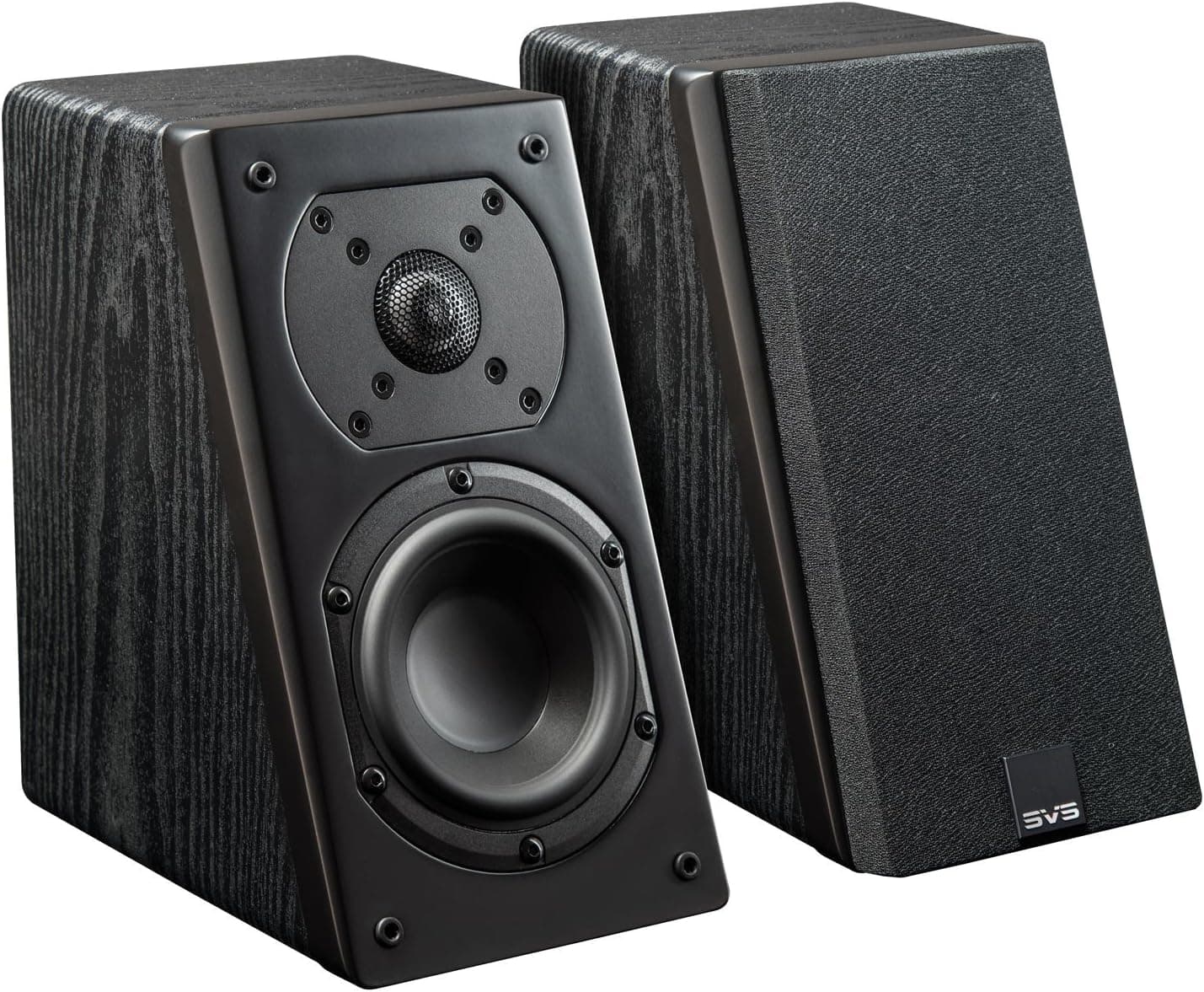
+ Angled cabinet aims sound down from walls or ceilings for height
From our guide: Best Dolby Atmos Speakers
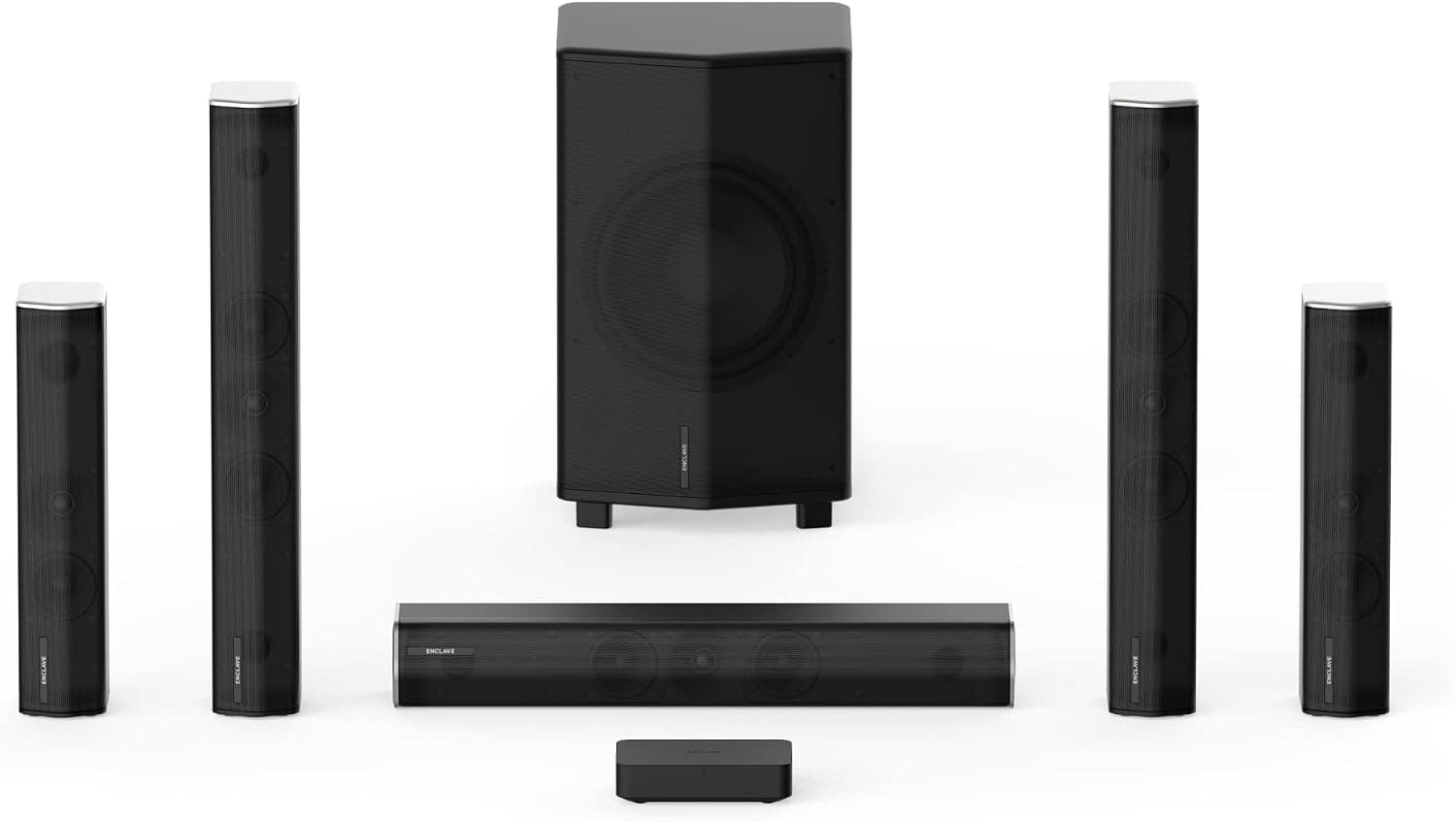
+ THX certification signals reference-level cinema tuning
From our guide: Best Surround Sound Systems
+ Full 48Gbps HDMI 2.1 bandwidth for 8K at 60Hz and 4K at 120Hz, where budget switches stop at 4K at 60Hz
From our guide: Best HDMI Switches
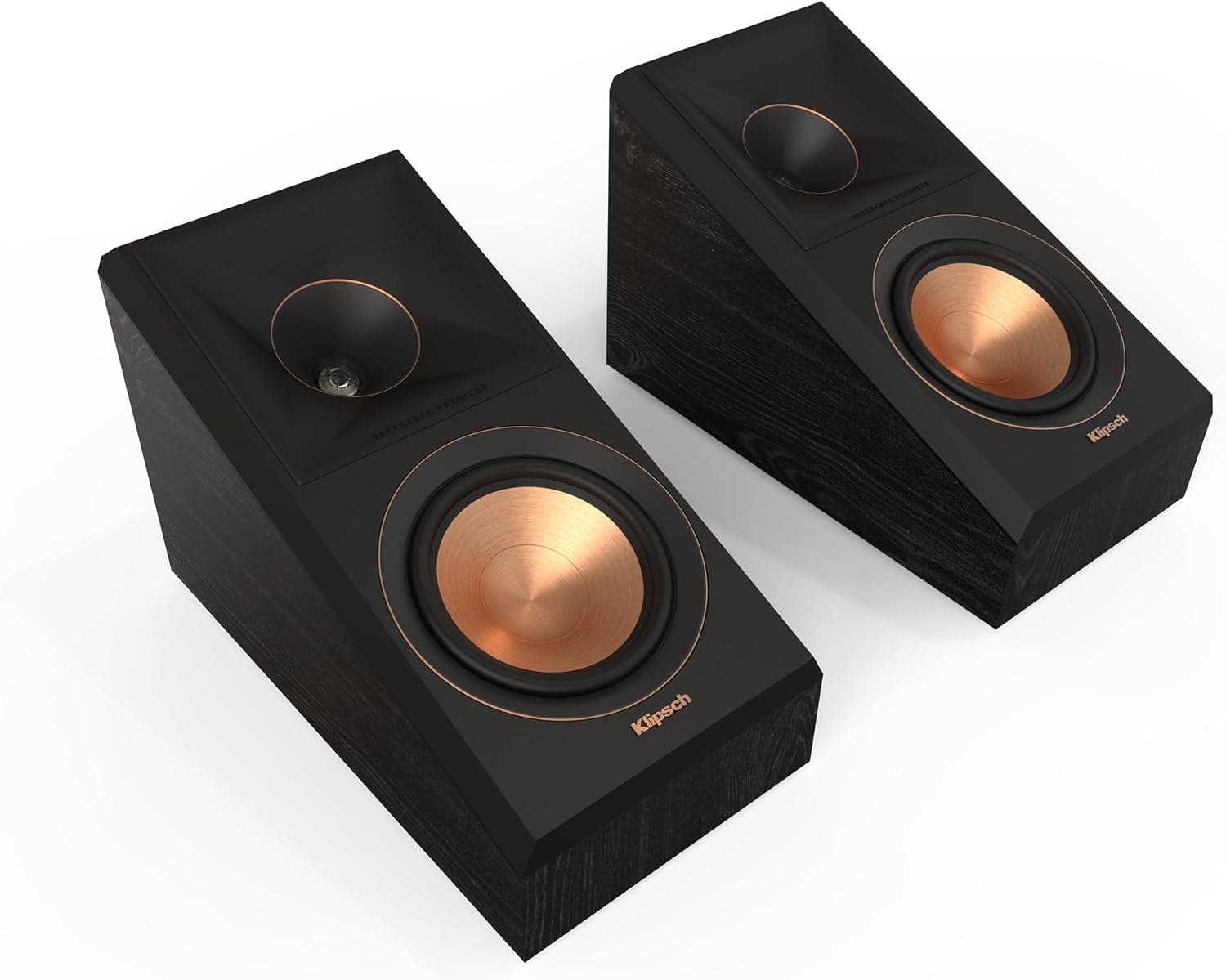
+ II revision brings refinements over the original RP-500SA
From our guide: Best Dolby Atmos Speakers

Every layout begins with the three front channels
Every layout begins with the three front channels. The center channel handles the majority of dialogue and should sit directly above or below the screen, aimed at ear height at the main seat. The left and right front speakers form the width of the soundstage and belong roughly 22 to 30 degrees off center, angled inward toward the listening position. Keeping all three front speakers at a similar height and tonal character is what makes sound pan smoothly across the screen instead of jumping from box to box.
The subwoofer is fussy about location, not angle
The subwoofer, the point-one in both formats, is less fussy about angle but very fussy about location. Low frequencies interact with room boundaries to create peaks and nulls, so a sub that sounds boomy in one spot can sound thin three feet away. The classic trick is to temporarily place the subwoofer at your listening seat, play bass-heavy content, then crawl around the room until you find where the bass sounds most even. That spot is where the sub should go, and it is often not the corner people assume.
5.1: two surround speakers do the rest
In a 5.1 system, the two surround speakers do the rest of the work. Dolby and most receiver makers recommend placing them to the sides and slightly behind the main seat, at about 90 to 110 degrees from center, and elevated a foot or two above ear level. This side-and-slightly-back position gives the diffuse, enveloping sound that makes rain, crowds, and ambience feel like they surround you rather than pointing at the back of your head. Toeing them in slightly toward the listeners helps if your seating is close to the walls.
7.1: splitting surrounds into side and back pairs
Stepping up to 7.1 splits the surround duties into two pairs: side surrounds and back surrounds. The side surrounds move to roughly 90 degrees, directly beside the listeners, while a new pair of back surrounds sits behind the seats at about 135 to 150 degrees, ideally three or more feet apart and angled inward. This arrangement improves rear localization, so an effect traveling from the front to directly behind you moves more smoothly, and dedicated back channels give war films and action scenes a fuller sense of space.
The honest catch: 7.1 only pays off in the right room
The honest catch is that 7.1 only pays off in the right room. Back surrounds need physical space behind the primary seating; if your couch is against the back wall, those speakers end up firing into your neck from inches away and add little. In that situation, a 5.1 layout done correctly, or a move to height channels for Dolby Atmos, will sound better than a cramped 7.1. Seating distance from the walls, not the number of channels, is the real constraint.
Finish by measuring distances and levels
Whichever layout you choose, finish by measuring. Set every speaker's distance in the receiver so the processor can time-align the channels to your seat, then match levels with a sound meter or the receiver's auto-calibration and a test tone until each channel plays at the same loudness. Correct placement gets you most of the way, but distance and level trims are what lock the soundstage into a single coherent bubble centered on the listener. Get the geometry right first, then let calibration polish it.
Frequently asked questions
Where do surround speakers go in a 5.1 system? To the sides and slightly behind the main seat, at roughly 90 to 110 degrees from center, elevated a foot or two above ear level for a diffuse, enveloping sound.
Is 7.1 better than 5.1 surround sound? Only if you have physical space behind your seating for the back surround pair. If your couch is against the back wall, those speakers fire into your neck from inches away and 5.1 or Atmos height channels sound better.
Where should the subwoofer go for surround sound? Wherever bass sounds smoothest in your room, found by temporarily placing it at your listening seat, playing bass-heavy content, and crawling around until the bass sounds most even, often not the corner.
Do I need to set speaker distances in my receiver? Yes. Measuring and entering each speaker's distance lets the processor time-align the channels to your seat, which locks the soundstage together after placement is correct.
Popular right now
- Best 4K Blu-ray PlayersBuying guide
- Best Soundbar Wall MountsBuying guide
- Best 4K ProjectorsBuying guide
- Best Dolby Atmos SpeakersBuying guide
- How to Stop a Subwoofer From Humming or BuzzingArticle
- Best In-Ceiling SpeakersBuying guide
Based on the last 28 days of search and visitor data.