How to Stop a Subwoofer From Humming or Buzzing
Published How we research
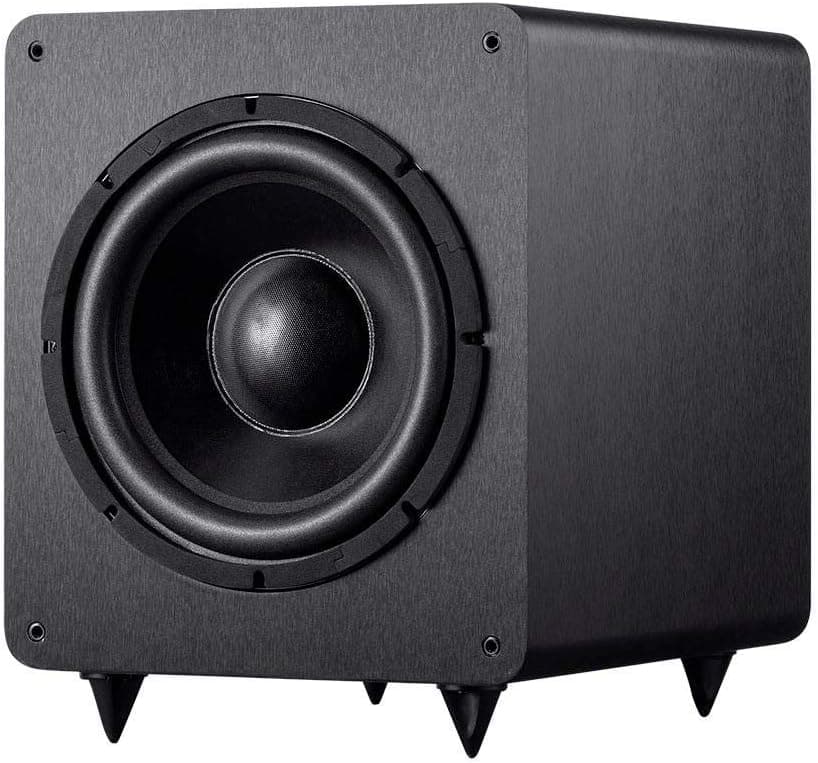
A low hum or buzz from a subwoofer when nothing is playing is distracting and can be heard throughout a quiet room. The most common cause is a ground loop, where connected devices plugged into different outlets create a small current that the subwoofer amplifies. Other causes include damaged cables, interference and rattling objects. A methodical approach finds the source quickly.
Products from this article
The highest-scoring picks from the buying guides this article links to. Scores are our editorial assessment, not customer ratings.
+ 600W amp gives serious punch for movie effects
From our guide: Best Subwoofers
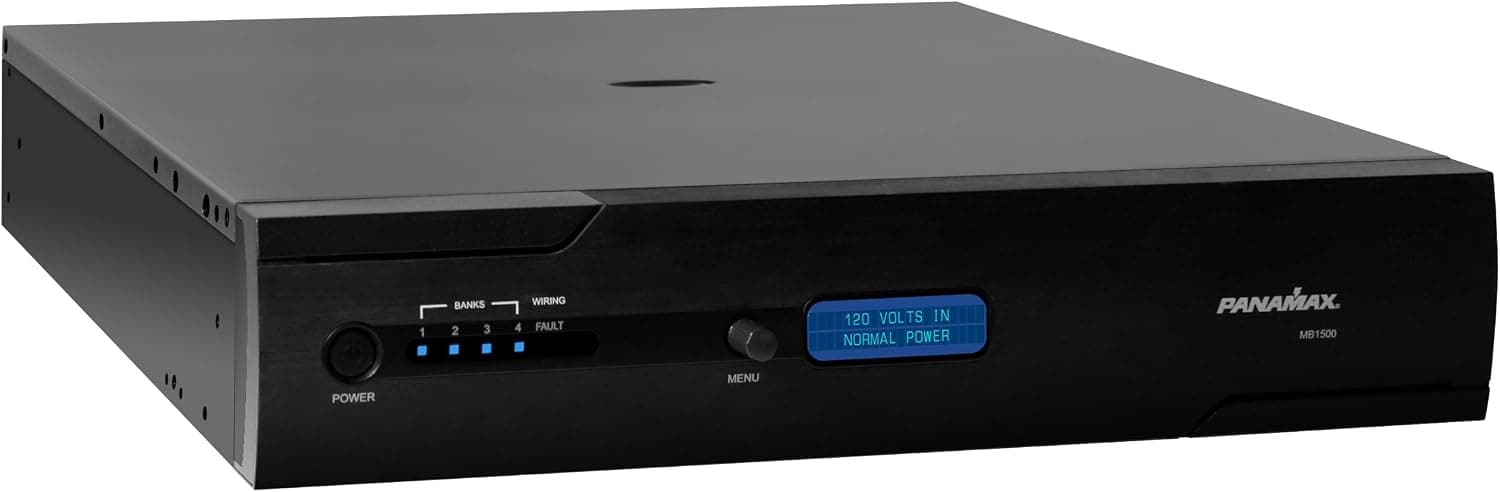
+ Battery backup lets projectors and DVRs shut down safely in outages
From our guide: Best Power Conditioners
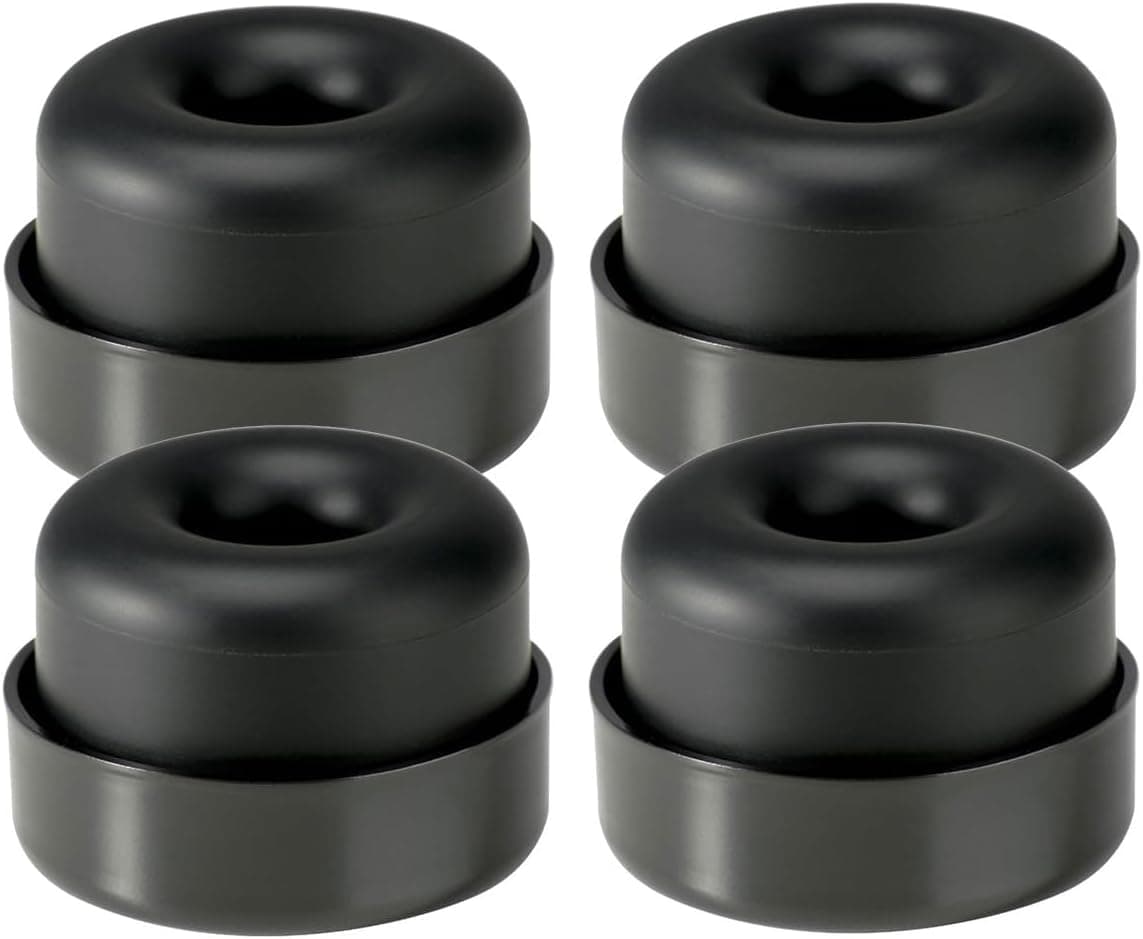
+ Decoupling feet cut buzzing through floors and to neighbors
From our guide: Best Subwoofer Isolation Pads
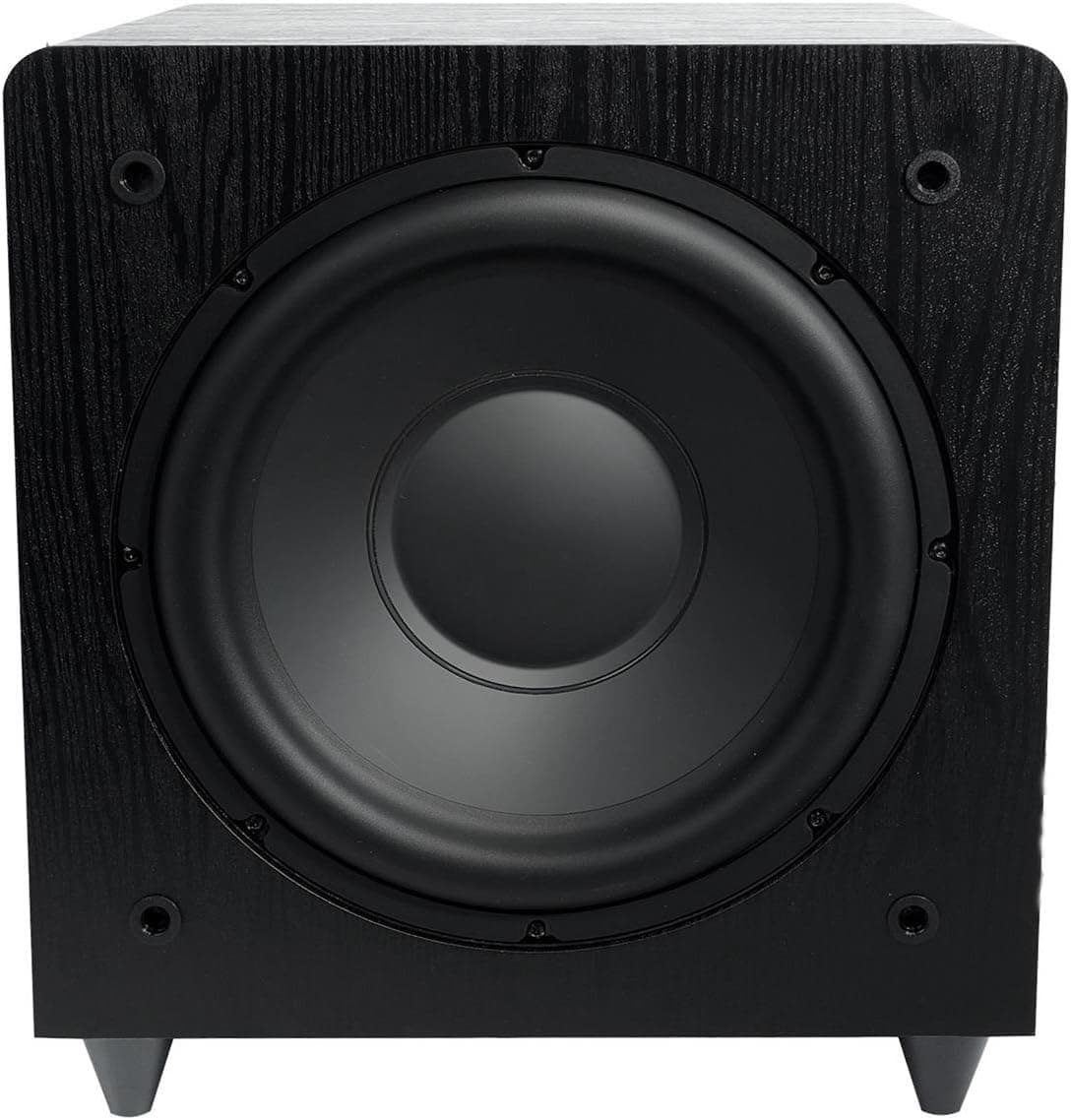
+ 400W RMS amplifier gives strong output for its price bracket
From our guide: Best Subwoofers

Isolate the source
First, unplug the input cable from the subwoofer while it is still powered on. If the hum stops, the noise is coming through the cable or the connected equipment. If the hum continues with nothing connected, the problem may be the subwoofer itself or its power supply.
Listen carefully to the type of noise. A steady low hum at 50 or 60 Hz typically points to a ground loop, while crackling or buzzing that changes when you move the cable suggests a damaged cable or loose connection.
Fix ground loops
Plug the subwoofer, receiver and TV into the same outlet or the same power strip or power conditioner. Devices plugged into outlets on different circuits are the classic cause of ground loop hum.
Cable TV and antenna lines can also introduce ground loops. If the hum disappears when you disconnect the coaxial cable from a cable box or TV, a coaxial ground loop isolator usually fixes it. Never remove the ground pin from a power plug.
Check cables and routing
Use a well-shielded subwoofer cable and check both ends for bent or loose connectors. Try a different cable to rule it out, even a short temporary one.
Keep the subwoofer cable away from power cords, power strips and transformers where possible, and cross them at right angles rather than running them side by side. Long unshielded runs pick up more interference.
Adjust settings and gain
A subwoofer gain set very high while the receiver's subwoofer level is set very low amplifies background noise. Set the receiver's subwoofer level around the middle, then adjust the gain on the subwoofer so the bass level matches the rest of your speakers.
Turn off auto-standby temporarily to test, since some subwoofers produce a slight noise when switching on and off. If your subwoofer offers both LFE and line-level inputs, use the LFE input from the receiver.
Rule out rattles and vibration
Sometimes what sounds like hum is actually something in the room vibrating at a certain frequency, such as a loose panel, picture frame, cabinet door or the subwoofer's own grille. Play a bass test tone and walk around the room to find rattles.
Isolation pads under the subwoofer reduce vibration transferred into floors and furniture, particularly on suspended wooden floors and in apartments where neighbours share the structure.
Popular right now
- Best 4K Blu-ray PlayersBuying guide
- Best Soundbar Wall MountsBuying guide
- Best 4K ProjectorsBuying guide
- Best Dolby Atmos SpeakersBuying guide
- Best In-Ceiling SpeakersBuying guide
- Best Center Channel SpeakersBuying guide
Based on the last 28 days of search and visitor data.