How to Fix HDMI ARC and eARC Sound Problems
Published How we research
HDMI ARC and eARC let your TV send audio back down an HDMI cable to a soundbar or AV receiver, and the same connection often lets one remote control everything. When it works it is seamless. When it does not, you get silence, sound that cuts in and out or a system that will not pass Dolby Atmos. Most problems come from settings, ports or the handshake between devices.
Products from this article
The highest-scoring picks from the buying guides this article links to. Scores are our editorial assessment, not customer ratings.
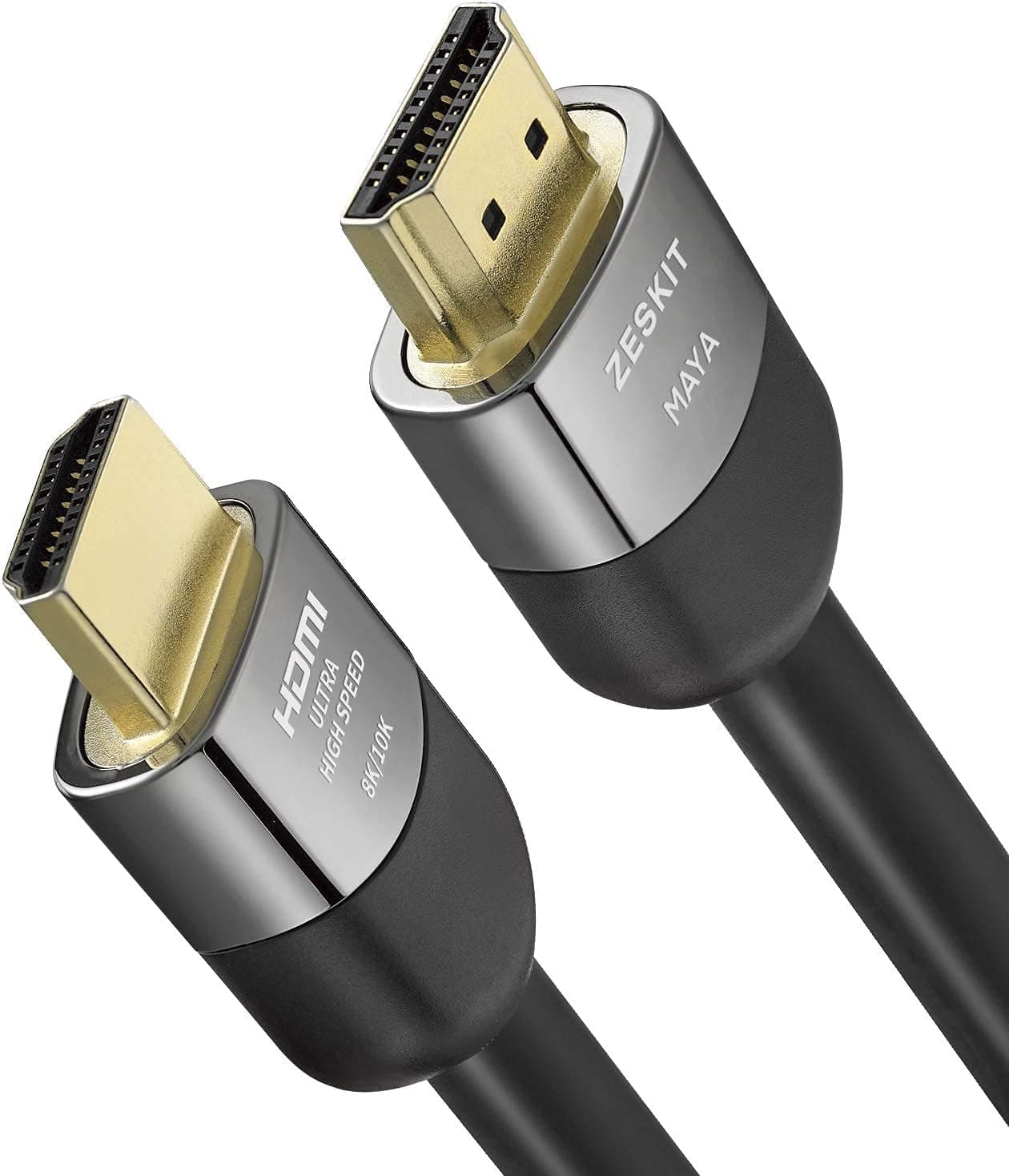
+ Certified 48Gbps supports 4K120Hz gaming on current consoles and PCs
From our guide: Best HDMI Cables
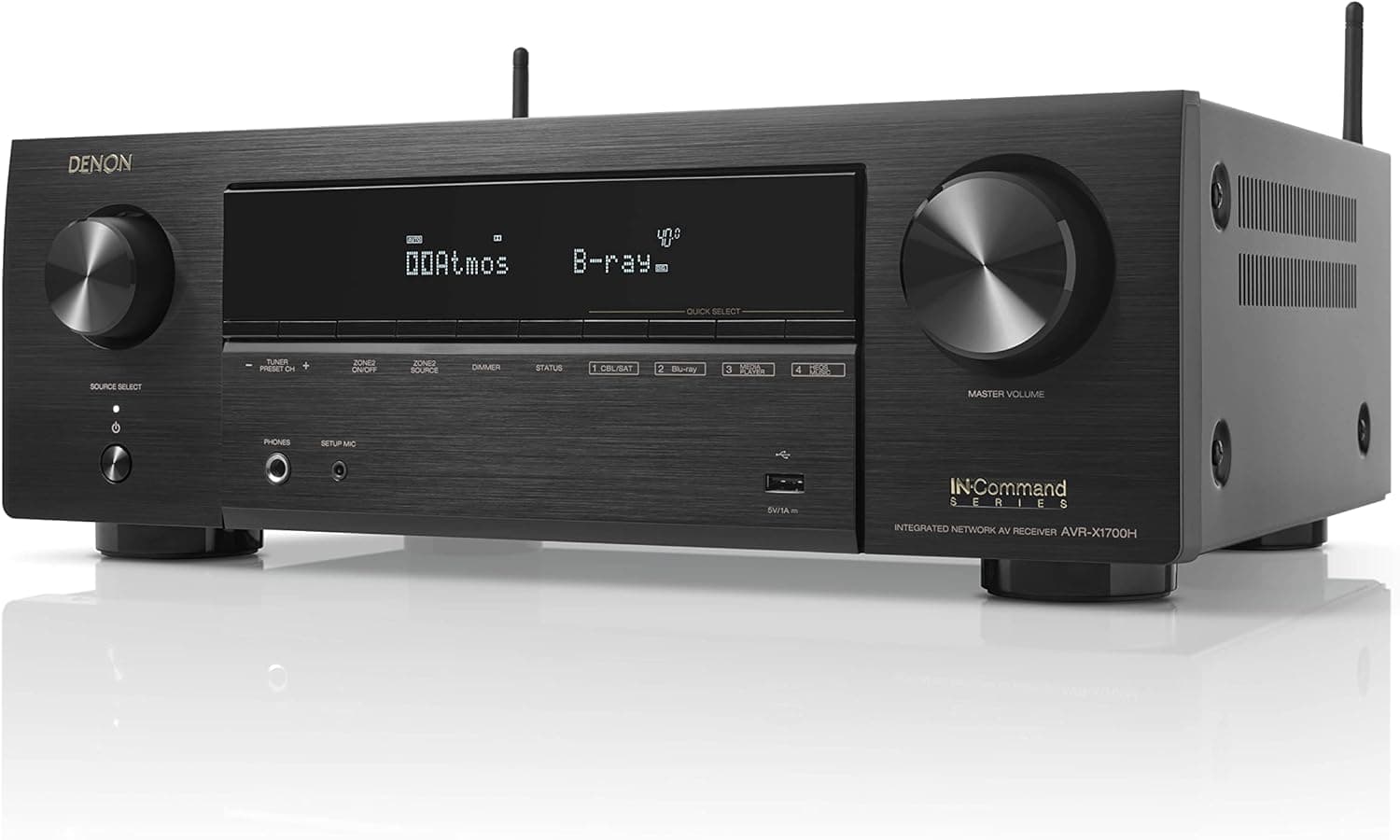
+ 7.2 Channel layout supports a full Atmos speaker setup
From our guide: Best AV Receivers
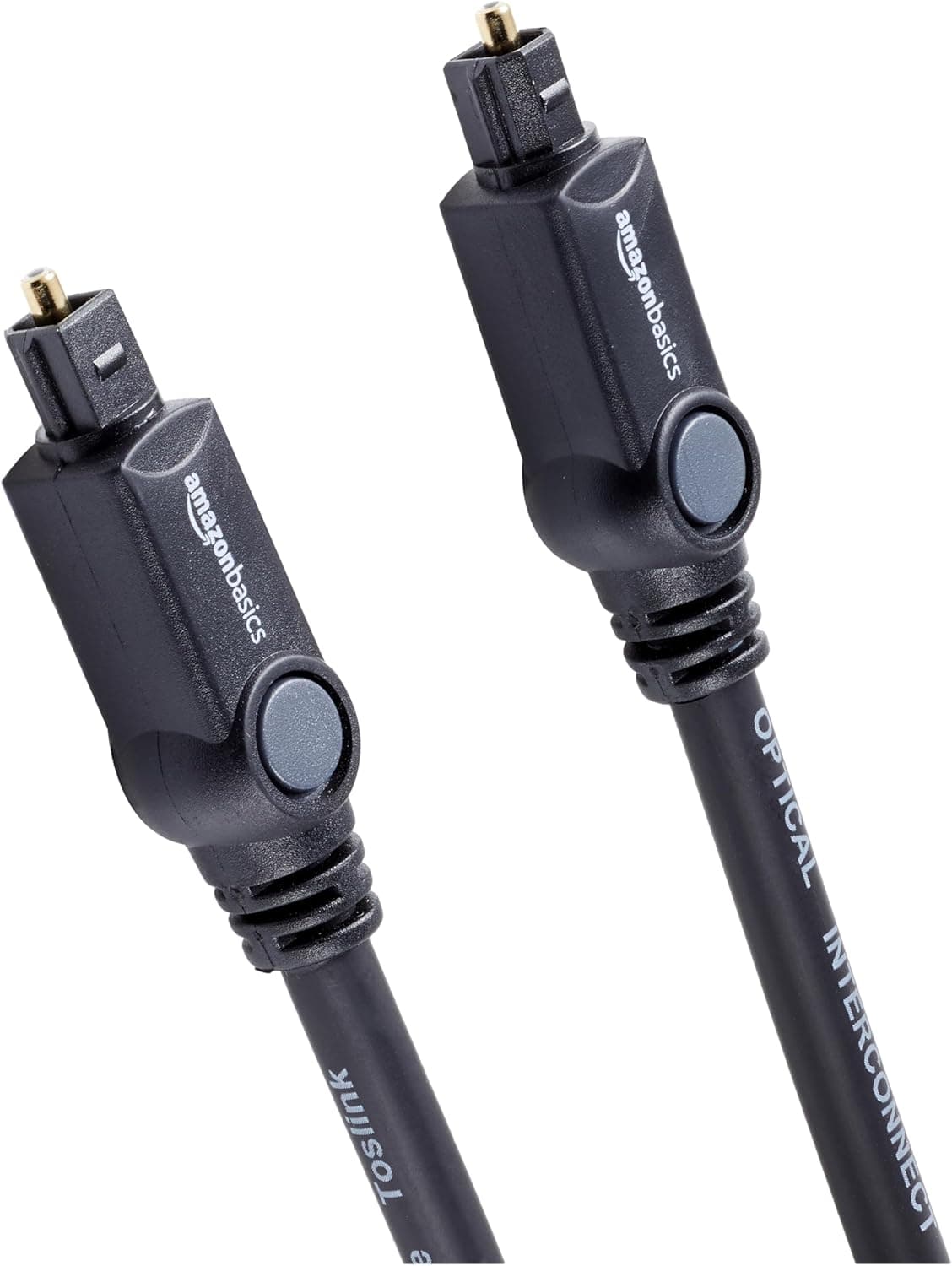
+ Multi-channel support passes Dolby Digital and DTS audio
From our guide: Best Optical Cables
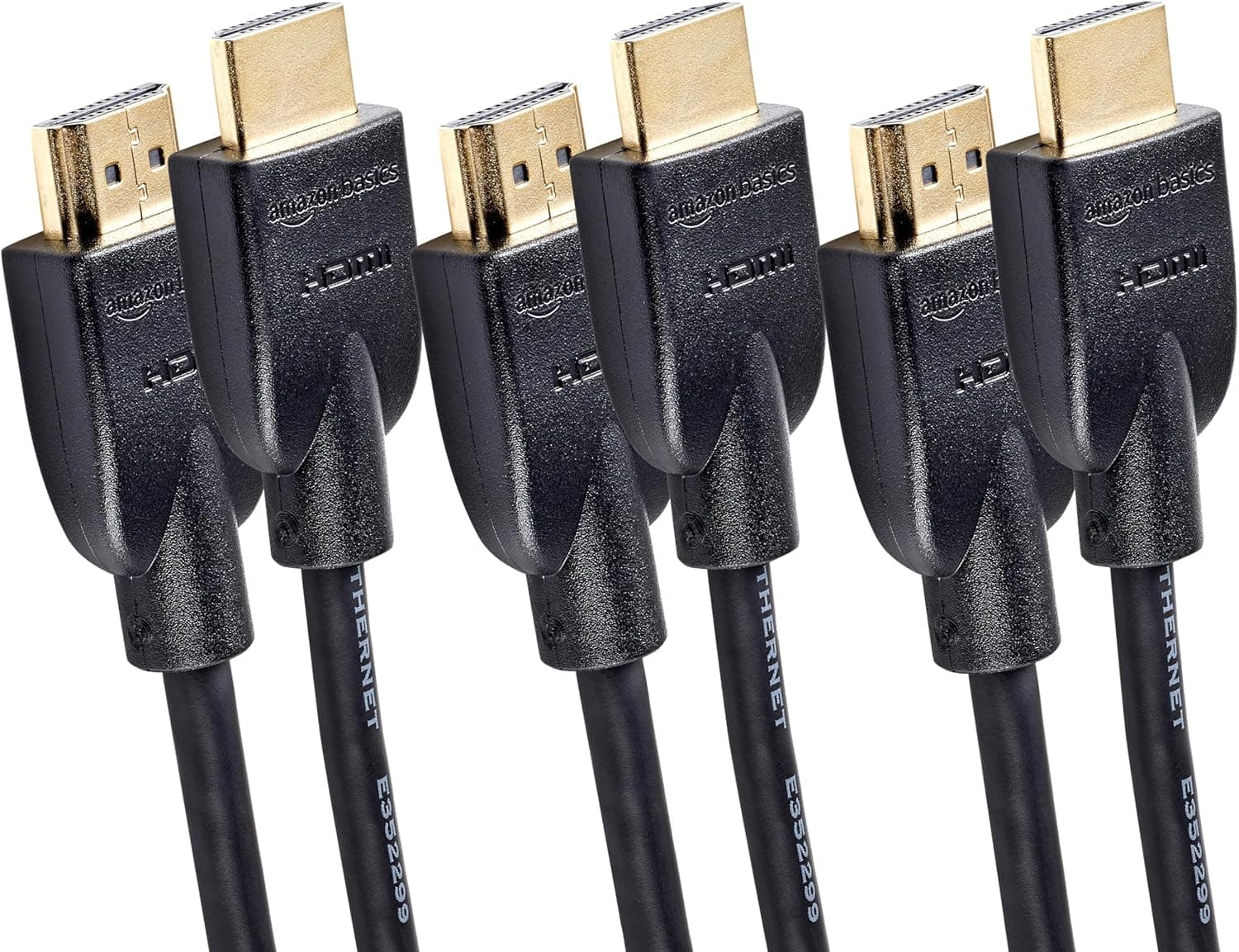
+ 3-Pack covers a streamer, console and Blu-ray player at once
From our guide: Best HDMI Cables
Use the right ports
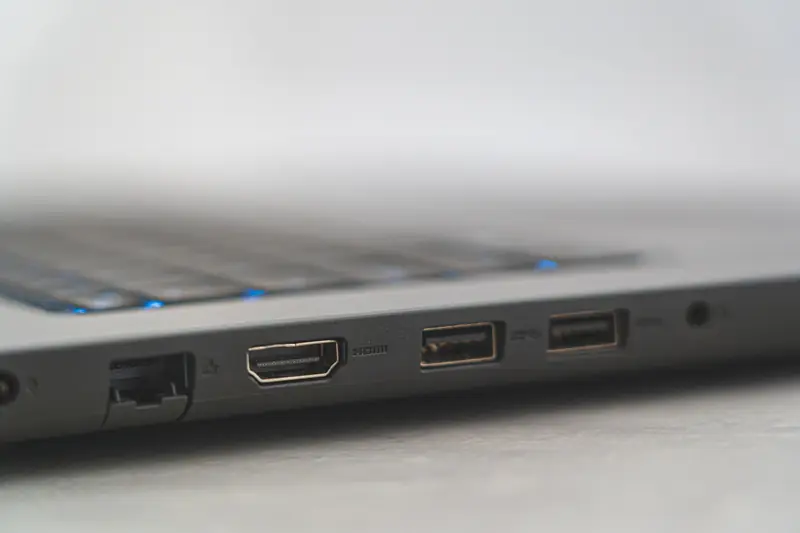
Only one HDMI input on most TVs supports ARC or eARC, usually labelled on the back panel. On the soundbar or receiver, use the HDMI output labelled ARC, eARC or TV. Plugging into any other HDMI port will not carry audio back from the TV.
eARC offers higher bandwidth for lossless formats such as Dolby TrueHD and Dolby Atmos from streaming apps and Blu-ray players connected to the TV. Both the TV and the audio device must support eARC to use it.
Turn on HDMI-CEC and ARC settings
ARC depends on HDMI-CEC, the protocol that lets devices talk to each other. Manufacturers give it different names such as Anynet+, Simplink, Bravia Sync or HDMI Control. Turn it on in the TV settings and on the soundbar or receiver.
In the TV sound settings, set the audio output to the HDMI ARC or receiver option rather than TV speakers. Some TVs also have a separate eARC mode setting that must be switched to Auto or On.
Check the audio format
If you get no sound only from certain apps or sources, the TV may be sending a format the audio device cannot decode. In digital audio output settings, try Auto first, then PCM to test whether sound returns.
For Dolby Atmos, choose Auto, Passthrough or Bitstream as recommended by the TV manufacturer, and make sure the streaming app, subscription tier and title actually offer Atmos.
Try a power cycle and a better cable
ARC handshakes sometimes fail after firmware updates or power cuts. Turn off the TV and audio device, unplug both from power for a minute, connect the HDMI cable, then power on the audio device first and the TV second.
For eARC, use a certified Ultra High Speed or at least a High Speed HDMI cable with Ethernet. Older or very long cables can cause dropouts, and adapters or HDMI switches between the TV and soundbar often break ARC.
Update firmware and consider alternatives
Check for firmware updates for both the TV and the soundbar or receiver, since manufacturers regularly fix ARC and CEC compatibility problems. Resetting network and CEC settings can also clear persistent glitches.
If ARC still does not work reliably, an optical cable can carry standard Dolby Digital audio as a fallback, although it does not support lossless formats or Atmos from TrueHD. Connecting sources directly to an AV receiver with HDMI passthrough avoids ARC entirely.
Popular right now
- Best 4K Blu-ray PlayersBuying guide
- Best Soundbar Wall MountsBuying guide
- Best 4K ProjectorsBuying guide
- Best Dolby Atmos SpeakersBuying guide
- How to Stop a Subwoofer From Humming or BuzzingArticle
- Best In-Ceiling SpeakersBuying guide
Based on the last 28 days of search and visitor data.