How to Set Up Your Home Theater for Football Season
Published How we research

Football season brings friends over, long afternoons of games and a TV that suddenly has to handle fast motion, bright rooms and multiple streaming apps. Settings that are perfect for dark movie nights are not always right for daytime sport. A little preparation before kickoff gives a sharper picture, stadium-like sound and room for everyone.
Products from this article
The highest-scoring picks from the buying guides this article links to. Scores are our editorial assessment, not customer ratings.
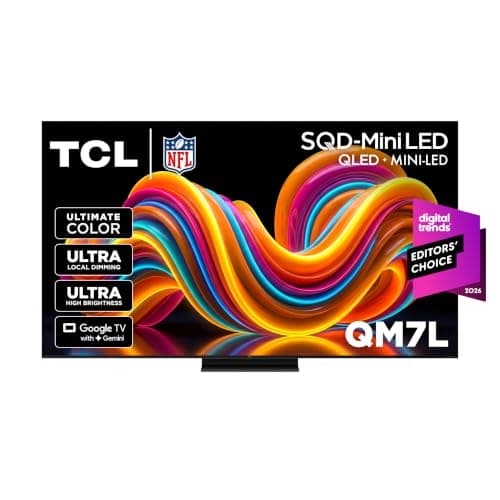
+ 512 dimming zones and up to 1,400 nits of peak brightness for strong contrast with HDR content
From our guide: Best 4K TVs
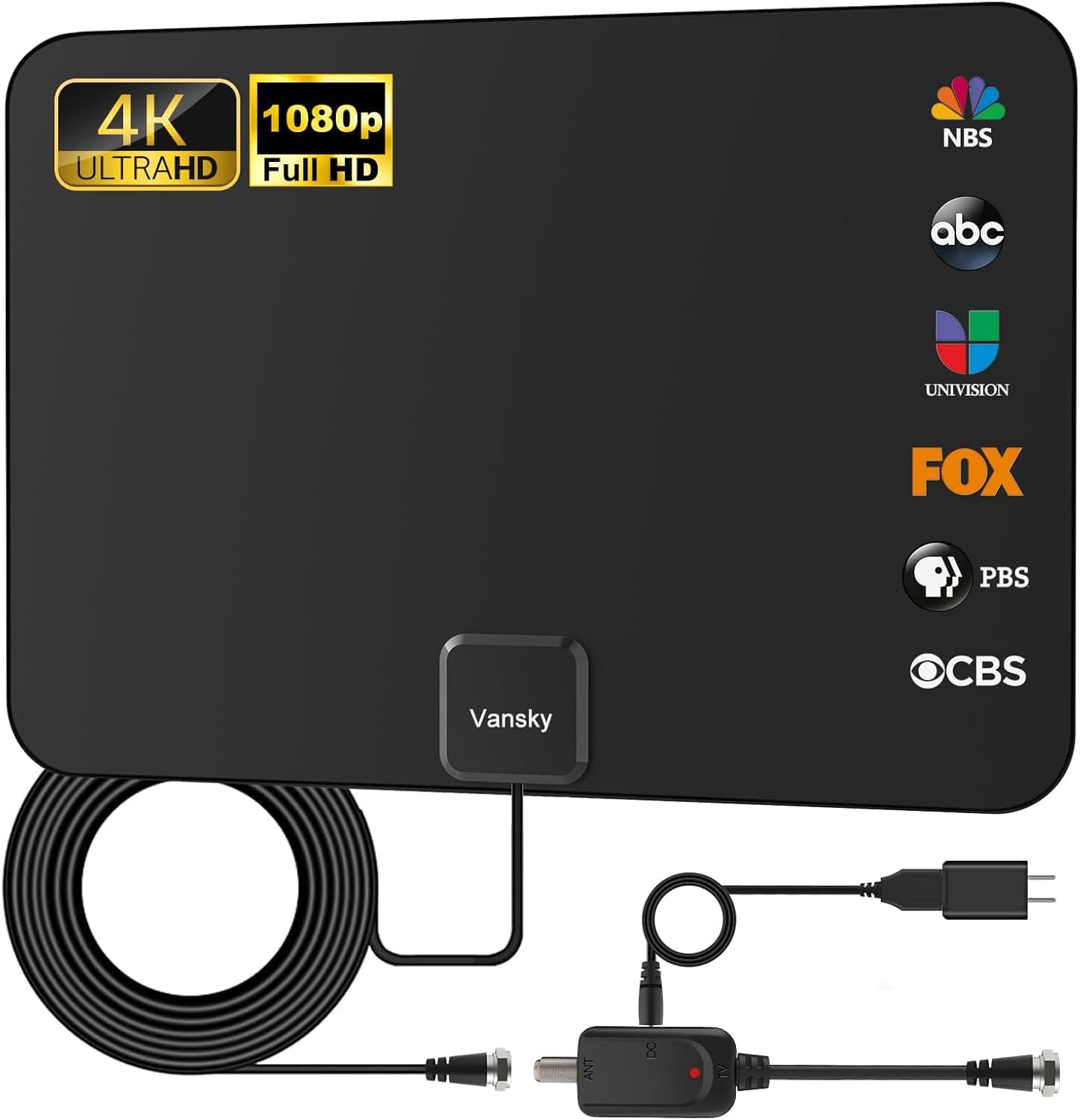
+ Detachable amplifier lets you test with and without boost
From our guide: Best TV Antennas
+ Set of 2 square pillows seats two viewers on the floor
From our guide: Best Floor Cushions
+ Mini-LED backlight with local dimming, listed at up to 2,100+ zones for the QM7L series
From our guide: Best 4K TVs


Tune picture settings for sport
Many TVs have a sports mode, but it often oversaturates colours and oversharpens the image. A better approach is to start with a standard or calibrated mode, then adjust motion settings so the ball stays clear during fast pans.
Motion smoothing, sometimes called motion interpolation, can reduce blur in sport even if you turn it off for films. Try a low or custom setting and watch for artefacts around players. Many people save a separate picture profile for games.
Deal with a bright room
Daytime games mean sunlight and reflections. Close curtains or blinds on windows facing the screen and increase brightness for daytime viewing, lowering it again in the evening.
If you watch on a projector, an ambient light rejecting screen helps hold contrast in a room that cannot be fully darkened. For bright living rooms with many guests, a bright TV often works better than a projector for afternoon games.
Make the sound feel like a stadium
Surround systems and soundbars with rear speakers place crowd noise around the room, which adds a lot of atmosphere. Many broadcasts and streams deliver 5.1 surround sound, so check that your streaming device and TV output surround audio.
With a room full of people talking, commentary can get lost. Use your system's dialogue enhancement or raise the centre channel slightly so commentators remain clear without turning the volume up too far.
Check streaming before kickoff
Games streamed live are sensitive to buffering. Use a wired Ethernet connection for your streaming device if possible, and log into all the apps and services you need before guests arrive.
Restart the router and streaming device beforehand, and pause large downloads on other devices during the game. An over-the-air antenna is a reliable backup for games shown on local broadcast channels in many areas.
Plan seating and snacks
Make sure every seat has a clear view of the screen within a comfortable viewing angle. Floor cushions, bean bags and folding chairs add flexible seating for big games without permanently crowding the room.
Keep a surge protector for extra devices and phone chargers, set up a snack station away from the viewing path and use bias lighting behind the TV to keep the room comfortable during evening games without washing out the picture.
Popular right now
- Best 4K Blu-ray PlayersBuying guide
- Best Soundbar Wall MountsBuying guide
- Best 4K ProjectorsBuying guide
- Best Dolby Atmos SpeakersBuying guide
- How to Stop a Subwoofer From Humming or BuzzingArticle
- Best In-Ceiling SpeakersBuying guide
Based on the last 28 days of search and visitor data.