How to Fix Quiet Dialogue in Movies and TV Shows
Published How we research
Reaching for the remote to turn dialogue up and then quickly down again when the action starts is one of the most common home theater complaints. Films are mixed for large cinemas with powerful speakers and wide dynamic range, and streaming services often pass that mix straight to TV speakers and small rooms. A few settings and hardware changes make voices much clearer.
Products from this article
The highest-scoring picks from the buying guides this article links to. Scores are our editorial assessment, not customer ratings.
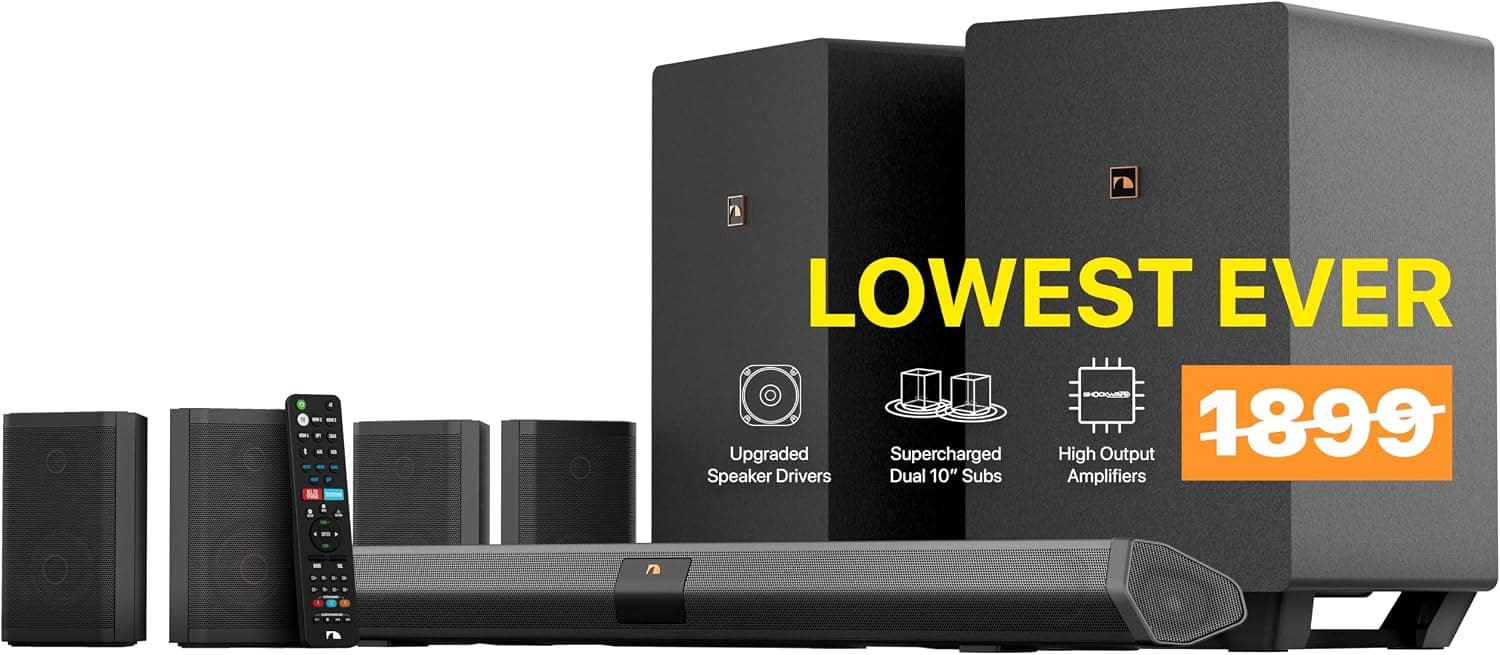
+ Dual 10 inch wireless subs deliver room-shaking home theater bass
From our guide: Best Soundbars
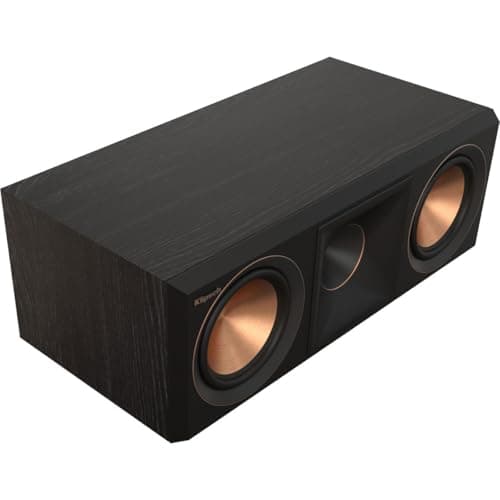
+ Larger 90 by 90 degree Tractrix horn is aimed at crisper, clearer dialogue, which is the main job of a center channel.
From our guide: Best Center Channel Speakers
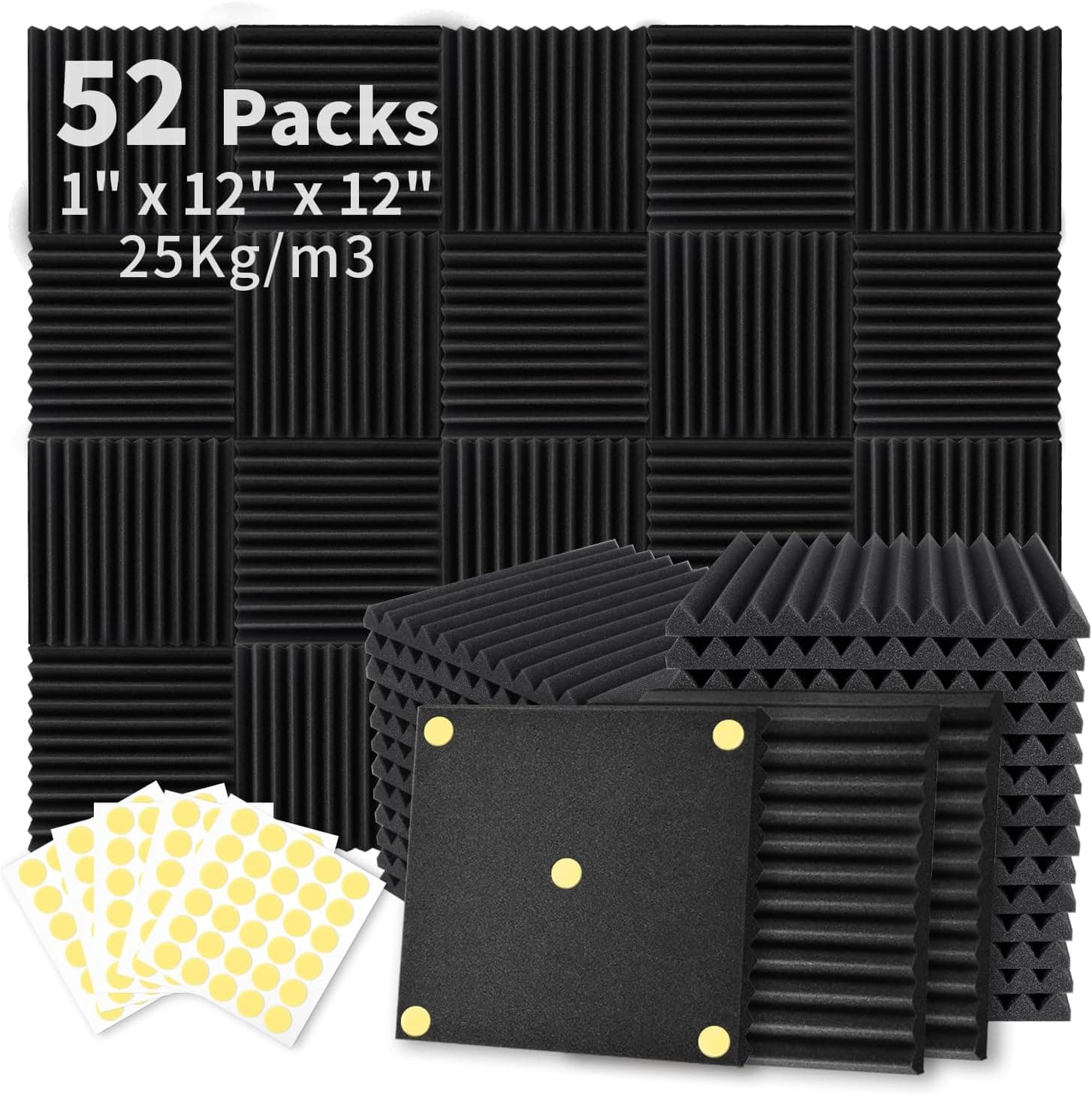
+ 300PCS double-side adhesive included for mounting
From our guide: Best Acoustic Panels
+ Dedicated center channel keeps movie dialog clear and forward
From our guide: Best Soundbars
Why dialogue gets buried
Movie soundtracks have a very wide dynamic range, meaning a big gap between quiet speech and loud effects. In a cinema, dialogue comes from a dedicated centre speaker behind the screen and remains clear. At home, a surround mix is often folded down into two small TV speakers, where effects and music mask voices.
Thin TV speakers that face down or backward, hard reflective rooms and seating far from the screen all make speech less intelligible. Hearing sensitivity also changes with age, especially in the frequencies that carry consonants.
Try dialogue and night modes
Most TVs, soundbars and AV receivers include a dialogue enhancement, voice or clear speech mode that boosts the frequencies of human speech. Turn it on first and compare it with the standard mode on a familiar scene.
Night mode or dynamic range compression reduces the difference between quiet and loud sounds, so you can set a comfortable volume without explosions becoming overwhelming. Some streaming apps also offer a reduced loud sounds option in their audio settings.
Raise the centre channel
In a surround system, nearly all dialogue comes from the centre speaker. In your receiver or soundbar settings, increase the centre channel level by 2-3 dB and test with a dialogue-heavy scene.
Make sure the centre speaker is aimed at ear level, not sitting low on a shelf pointing at your chest. An angled stand or a small wedge under the speaker can improve clarity noticeably.
Upgrade from TV speakers
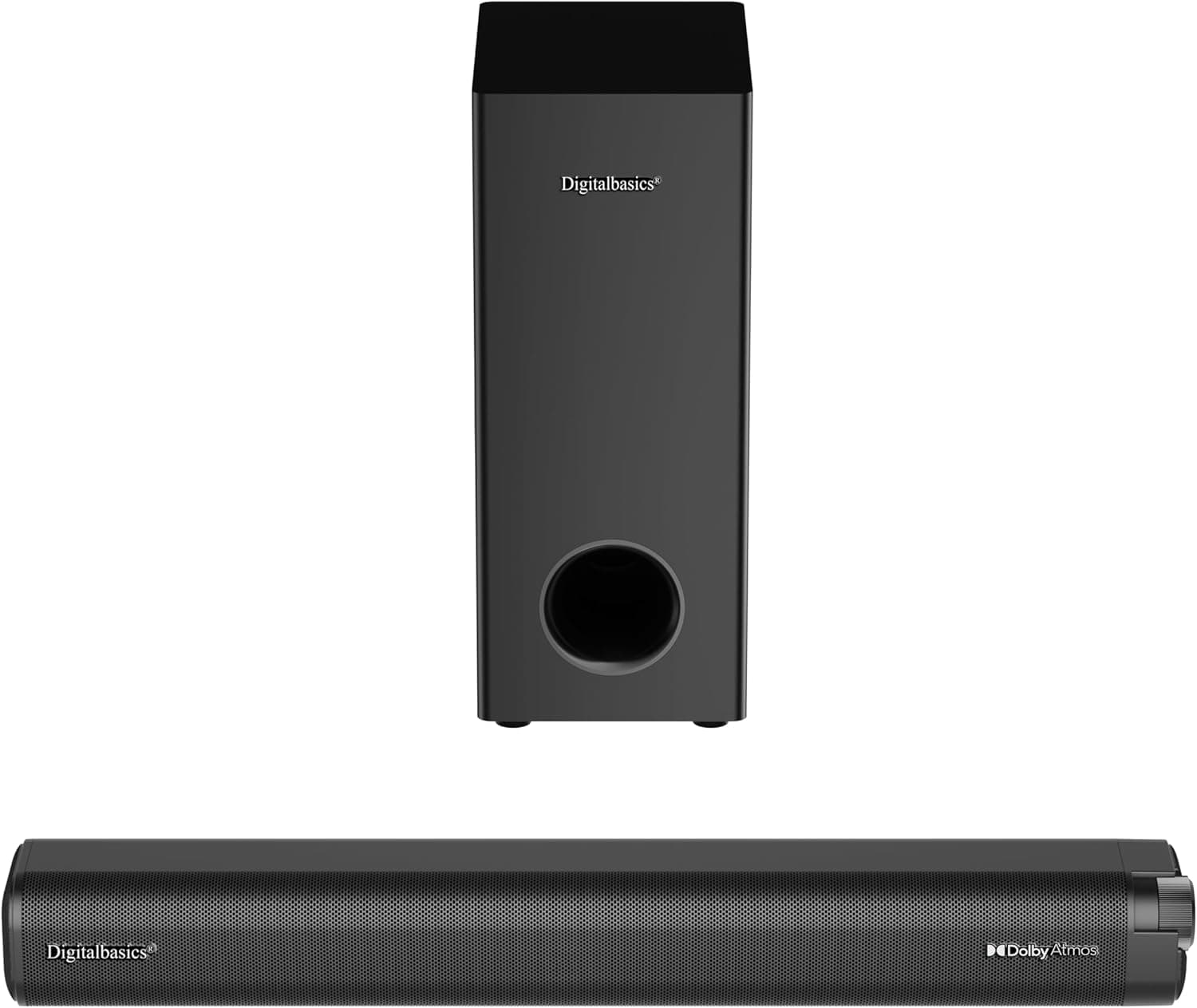
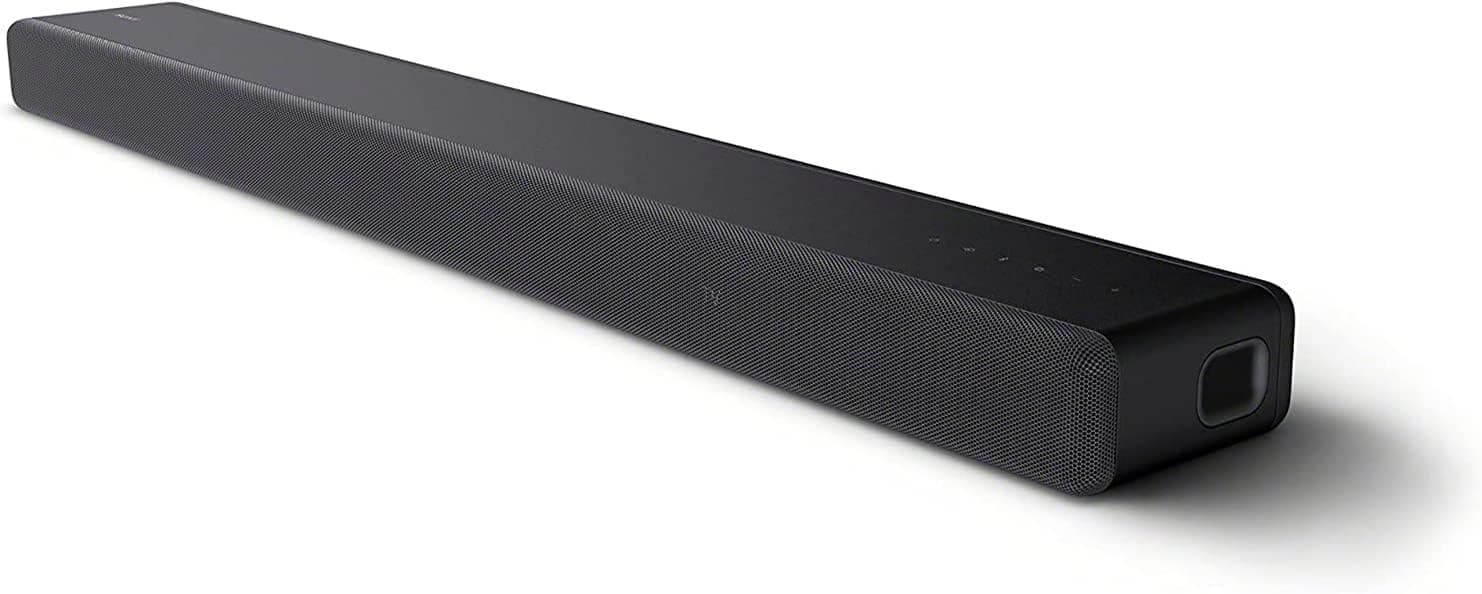
A soundbar with a dedicated centre channel, typically marketed as 3.0, 3.1 or higher, handles dialogue far better than a basic 2.0 bar or built-in TV speakers. Many models also include adjustable voice enhancement levels.
If you already have a receiver, a better centre speaker matched to your front speakers is often the most effective single upgrade for speech clarity.
Check room and source settings
Hard floors, bare walls and large windows create reflections that smear speech. A rug, curtains and a few acoustic panels at reflection points make voices sound clearer at lower volume.
Check that the audio output of your streaming device or TV matches your speaker setup. Sending a 5.1 signal to a system that cannot decode it properly, or selecting stereo on a surround system, can reduce dialogue clarity. Subtitles remain a helpful backup for heavily accented or mumbled dialogue.
Popular right now
- Best 4K Blu-ray PlayersBuying guide
- Best Soundbar Wall MountsBuying guide
- Best 4K ProjectorsBuying guide
- Best Dolby Atmos SpeakersBuying guide
- How to Stop a Subwoofer From Humming or BuzzingArticle
- Best In-Ceiling SpeakersBuying guide
Based on the last 28 days of search and visitor data.