4K vs 1080p for Home Theater
Published How we research
Resolution is one of the most talked-about specs in home theater, and the jump from 1080p to 4K is real, but whether you actually see the difference depends on more than the number on the box. 4K packs four times the pixels of 1080p, which can mean sharper detail and cleaner edges. The catch is that resolution only helps when your screen is large enough and you sit close enough to resolve those extra pixels. Context is everything.
Products from this article
The highest-scoring picks from the buying guides this article links to. Scores are our editorial assessment, not customer ratings.
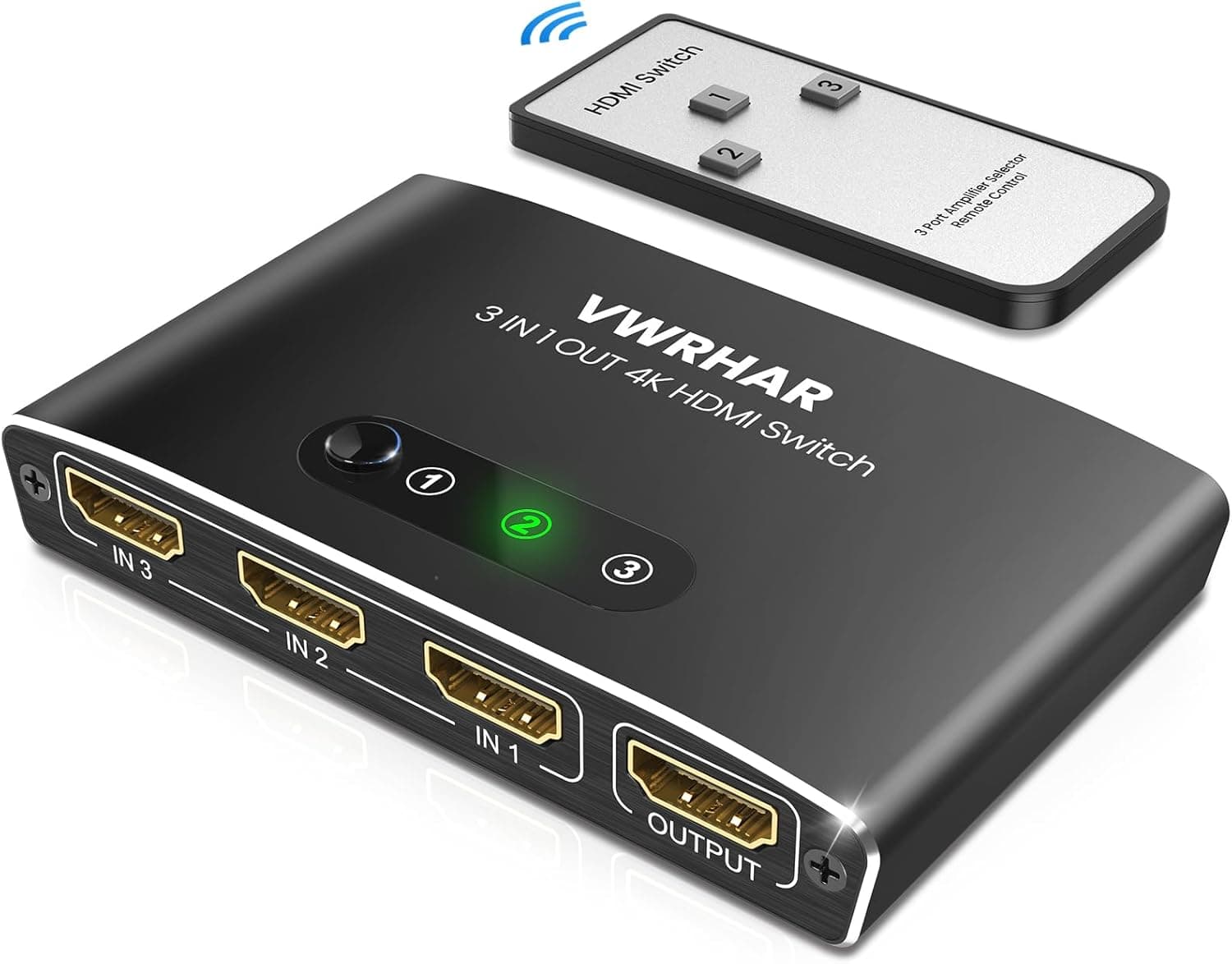
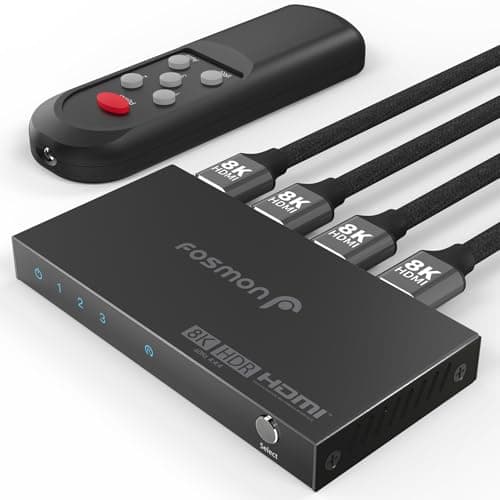
+ Full 48Gbps HDMI 2.1 bandwidth for 8K at 60Hz and 4K at 120Hz, where budget switches stop at 4K at 60Hz
From our guide: Best HDMI Switches
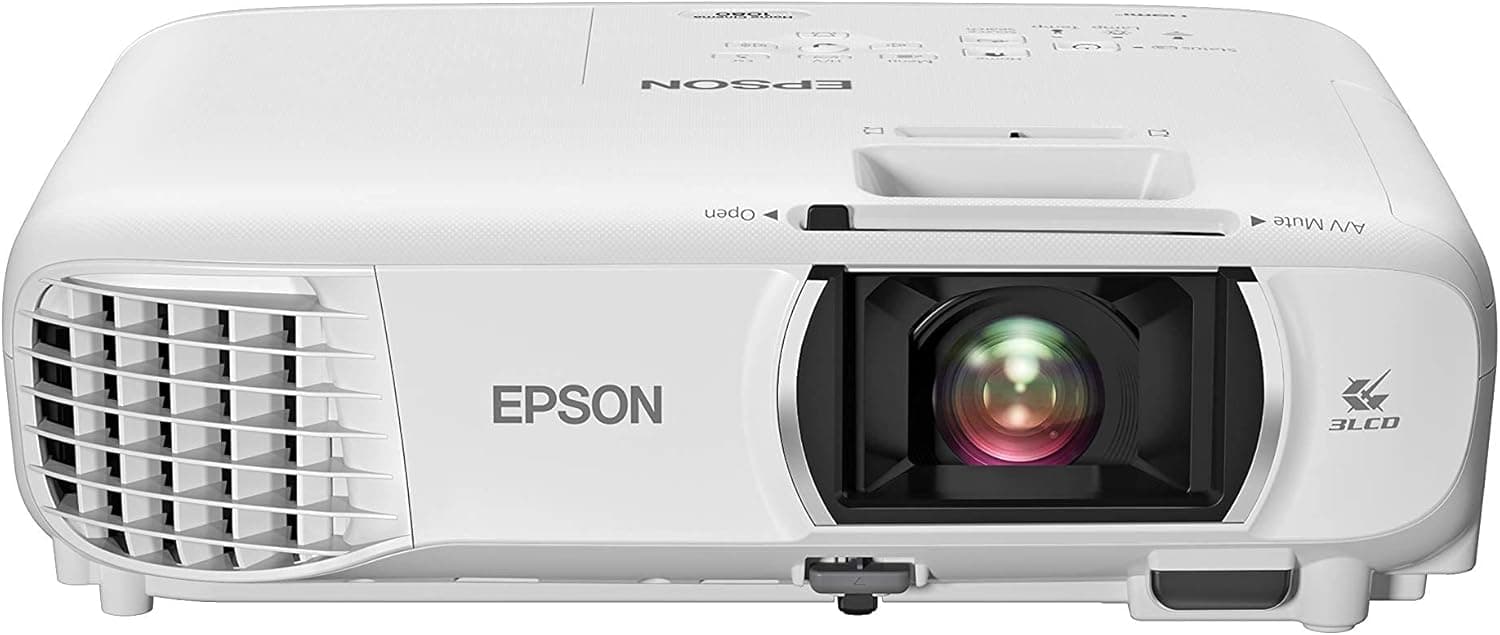
+ 3LCD design shows equal color and white brightness with no rainbow effect
From our guide: Best Projectors
+ NRC 1.60 rating shows strong broadband absorption
From our guide: Best Bass Traps
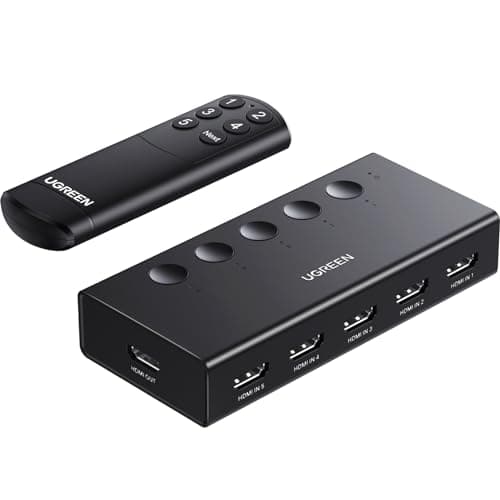
+ Five inputs cover several game consoles, a streaming box and a Blu-ray player on a single TV port
From our guide: Best HDMI Switches

The core relationship to understand is screen size versus viewing distance. Pixels become visible, and therefore beneficial, when the image is large and you are near it. On a modest screen viewed from across a big room, your eyes simply cannot distinguish the individual pixels of 4K from 1080p, so the upgrade is wasted on your seating position. On a large screen or projector setup where the image fills much of your view, 4K's finer detail becomes genuinely apparent and adds to the sense of realism.
Content is the other half of the equation, because a screen can only show the detail that the source provides. Native 4K material from streaming services, 4K discs, and modern game consoles takes full advantage of the extra pixels. A lot of what people watch, though, including older shows and many broadcasts, was made at lower resolution, and upscaling can only estimate the missing detail rather than truly create it. If most of your viewing is older or lower-resolution content, the practical gains from 4K shrink considerably.
Here is a point that often gets lost: resolution is not the only thing that improves on newer displays, and it may not even be the most important. 4K TVs and projectors frequently bring better contrast, wider color, and support for high dynamic range, which expands the difference between the brightest highlights and the darkest shadows. Those improvements in contrast and color are often more visible and more emotionally impactful than the raw pixel count, and they are a big reason newer sets look better.
For everyday shoppers, the practical reality is that 4K has become the default, so you will likely buy a 4K display whether or not you set out to. That is fine, because a good 4K set delivers the resolution when content and screen size call for it and simply upscales when they do not. The mistake to avoid is paying a large premium purely for the resolution spec while ignoring contrast, brightness, and how the picture actually looks on your wall.
The honest takeaway is that resolution matters most on big screens with good source material, and less on smaller screens viewed from a distance. Rather than chasing numbers, match your display size to your room, feed it the best content you can, and prioritize contrast and color alongside resolution. Do that and your picture will look fantastic, whether the marketing sticker says 4K or not, because you optimized the whole experience instead of a single spec.
Popular right now
- Best 4K Blu-ray PlayersBuying guide
- Best Soundbar Wall MountsBuying guide
- Best 4K ProjectorsBuying guide
- Best Dolby Atmos SpeakersBuying guide
- How to Stop a Subwoofer From Humming or BuzzingArticle
- Best In-Ceiling SpeakersBuying guide
Based on the last 28 days of search and visitor data.