Ambient and Bias Lighting Done Right
Published How we research
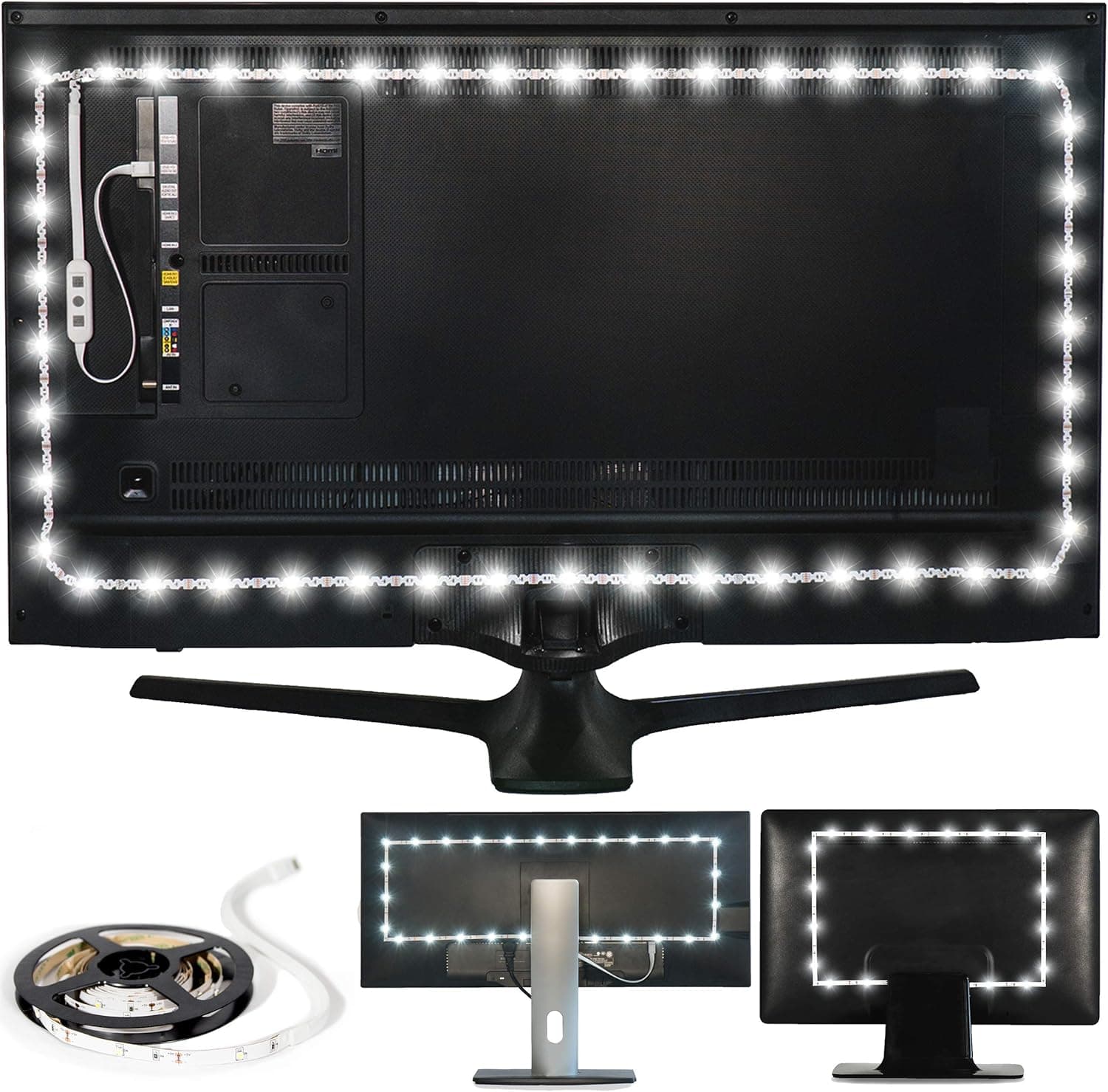
Lighting is the part of a home theater that people either ignore entirely or get subtly wrong, and both mistakes cost you picture quality and comfort. Watch a bright screen in a pitch-black room and your eyes fatigue quickly as they strain against the harsh contrast. Flood the room with light and the image looks washed out and flat. The middle path, thoughtful bias and ambient lighting, makes the picture look better to your eyes and makes long viewing sessions comfortable, all for a modest cost and a little planning.
Products from this article
The highest-scoring picks from the buying guides this article links to. Scores are our editorial assessment, not customer ratings.
+ 231.5in strip covers very large TVs up to 85in
From our guide: Best Bias Lighting
+ 6500K white matches the video standard for accurate bias light
From our guide: Best LED Backlights
+ Complete kit includes the strip, controller and power supply
From our guide: Best Smart Light Strips
+ Separate white LED beads provide 6500K pure white, listed to prevent eye strain from a bright screen in a dark room
From our guide: Best Bias Lighting
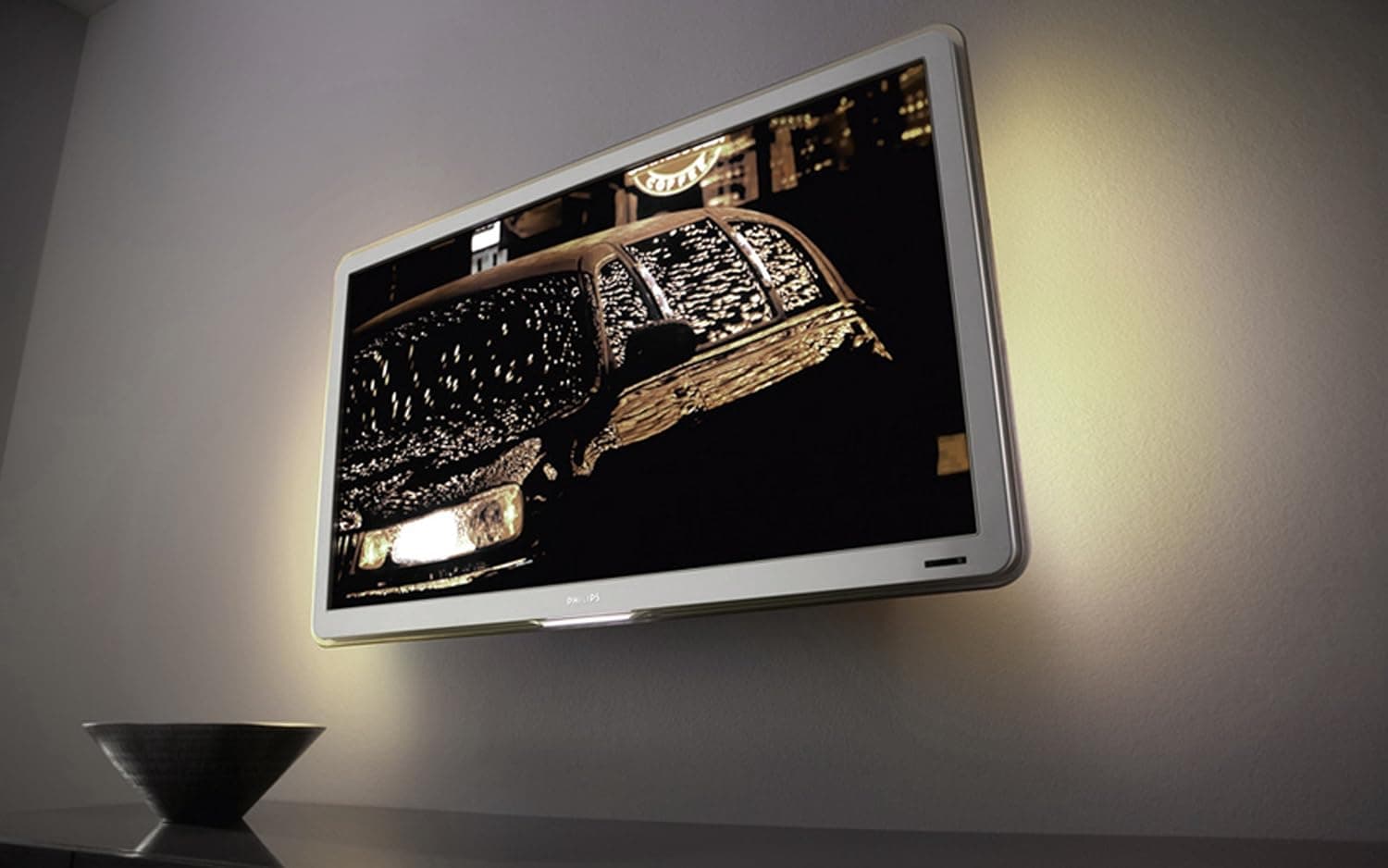
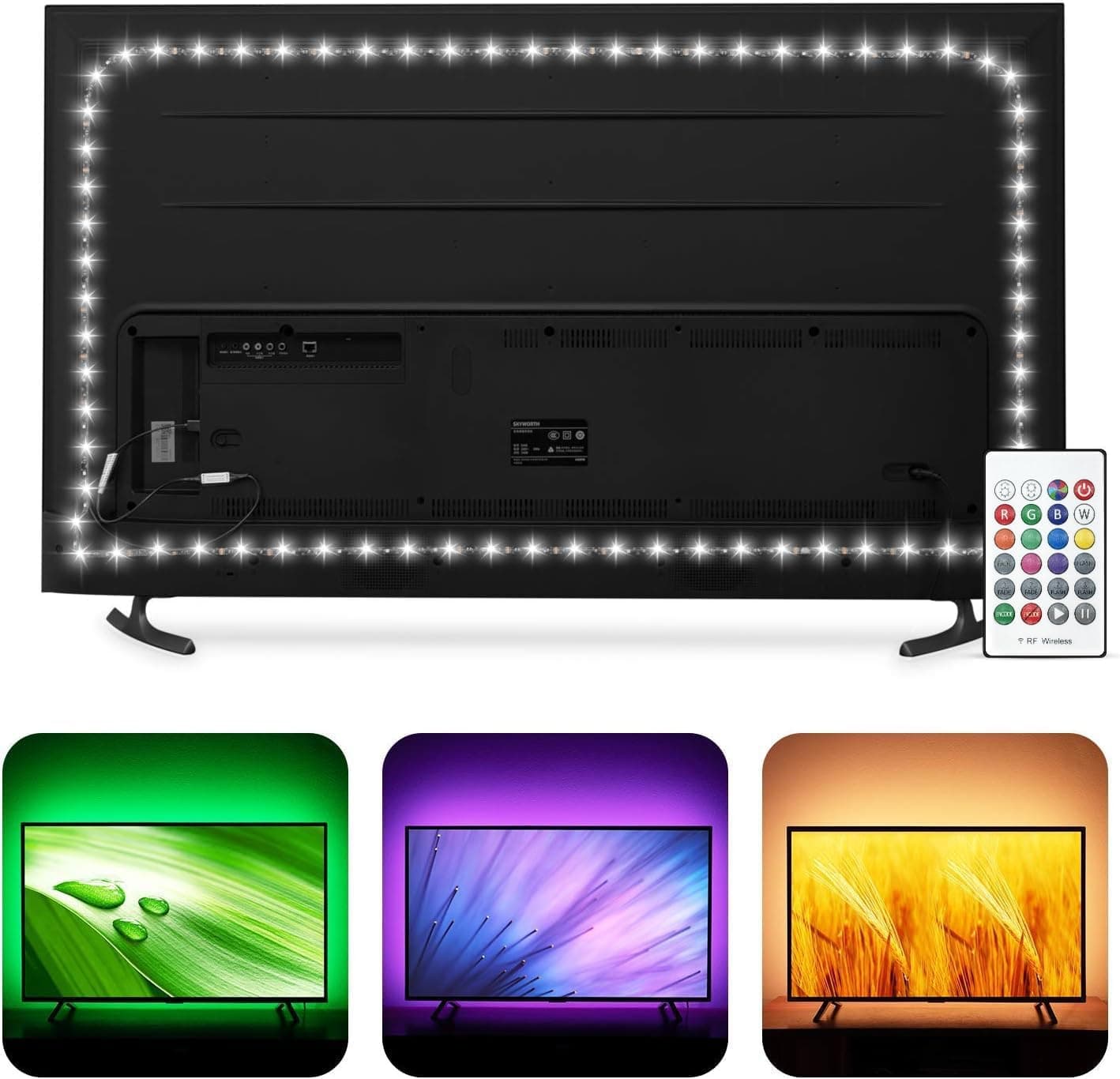
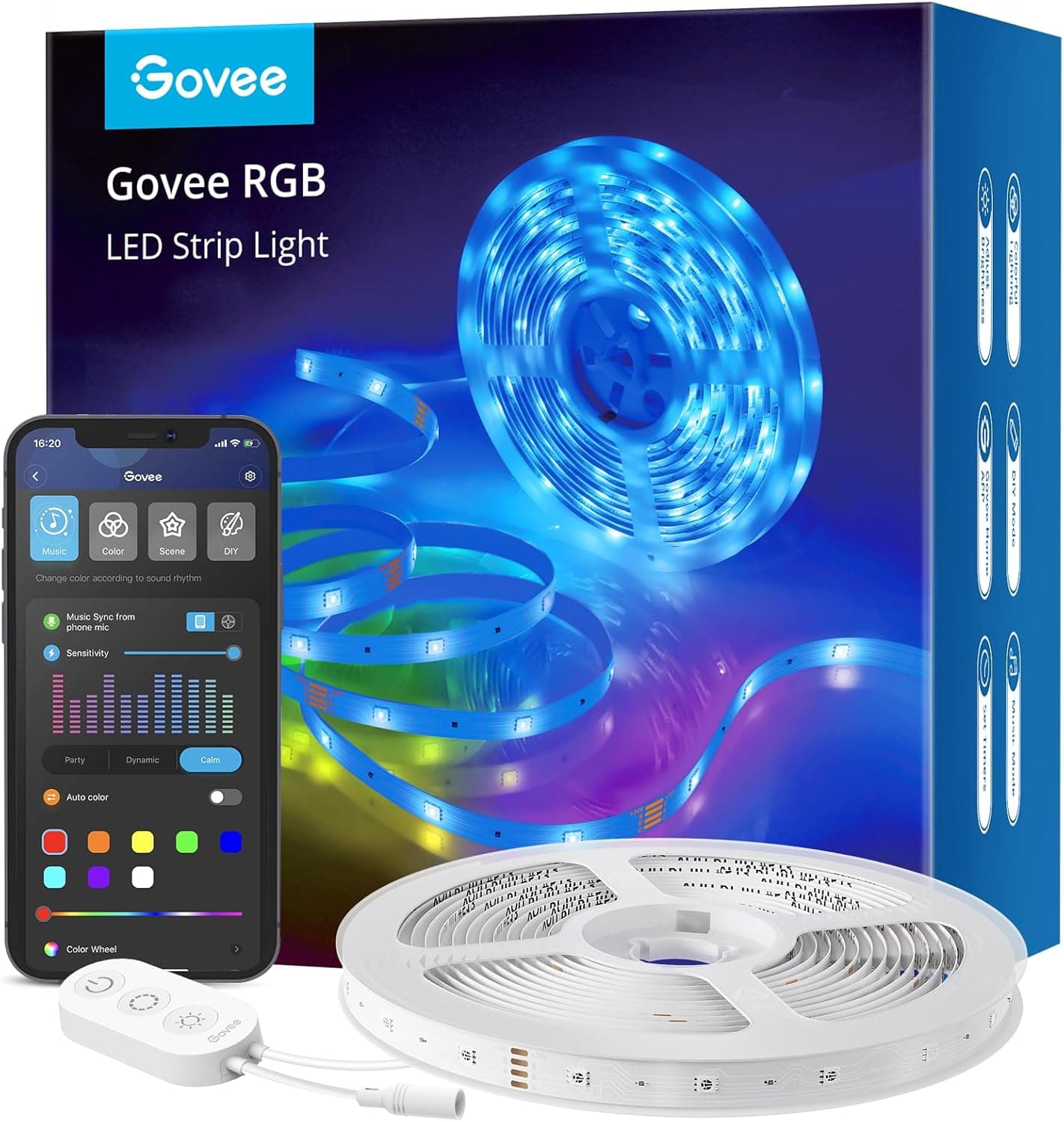
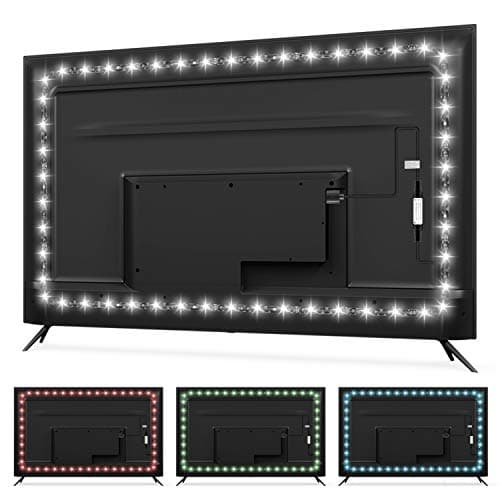
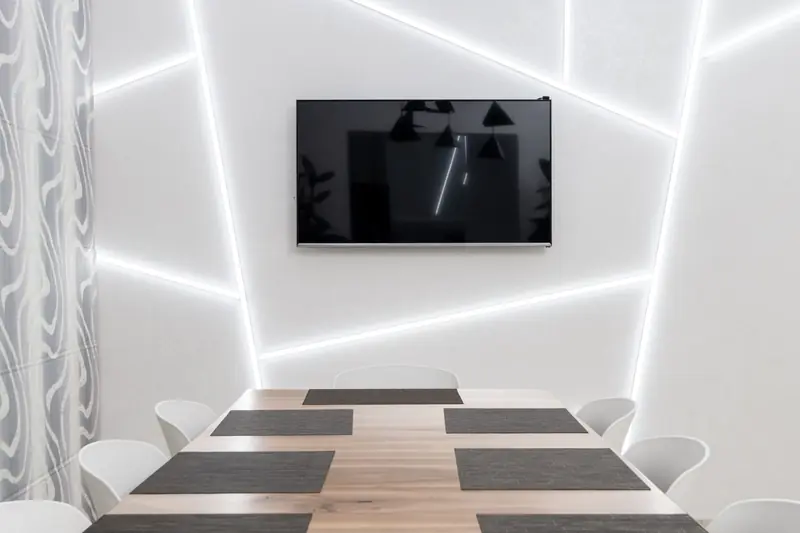
Bias lighting is a soft light placed behind the screen, aimed at the wall, so a gentle glow surrounds the display without spilling onto its surface. This works because of how human vision adapts to contrast. When your eyes have a mild reference light in their field of view, the dark parts of the image appear deeper and the picture seems to have more contrast, even though the screen itself is unchanged. The bias light gives your pupils a stable reference so they are not constantly adjusting between a blazing screen and a black void, which is the main source of eye strain in a dark room.
The color of bias lighting matters more than its brightness. For accurate viewing, the light should be a neutral white at around 6500K, the same D65 white point that video is mastered to. A light that is too warm tints the wall orange and shifts how you perceive colors on screen; too cool and everything skews blue. This is why quality bias lighting strips advertise a high color rendering index and a calibrated 6500K output rather than generic colored LED strips, which can subtly throw off your color perception even though the screen is calibrated correctly.
Brightness should be low, roughly ten to fifteen percent of the screen's peak white, enough to lift the surrounding wall out of total darkness without competing with the image. Mount the strip around the back edges of the display so the glow is even on all sides, and keep the light hidden from direct view so you see only its reflection on the wall, never the LEDs themselves. Avoid pointing any light at the screen surface, which would reduce contrast and defeat the purpose entirely.
Ambient lighting is the broader room lighting beyond the screen, and in a multipurpose or shared space it deserves as much thought as the bias light. Use dimmable, warm-adjustable fixtures placed to the sides and rear of the seating rather than above or in front of the screen, and keep all light off the screen and off any reflective surfaces in the viewer's line of sight. Wall sconces, LED strips along a soffit, or shielded floor lamps behind the seats let you keep enough light to move around safely and avoid the harsh dark-room contrast without spoiling the image.
Control and scenes turn good lighting into a pleasure to use. Smart bulbs or a dimmer tied to a scene controller let you set a movie mode that drops ambient light to a low warm glow, a pause mode that brings the room up gently, and a normal mode for cleaning or conversation. Automating the bias light to switch on with the display, and the room lights to dim when playback starts, removes friction so the correct lighting happens every time without anyone fiddling with switches in the dark.
The payoff is real and immediate. Correct bias lighting reduces eye fatigue during long sessions, makes blacks look deeper, and helps a calibrated display look its best, while considered ambient lighting keeps a shared room usable and comfortable without sacrificing the picture. It is one of the cheapest upgrades in home theater and one of the few that improves both how the image looks and how you feel after two hours in the chair. Get the color neutral, keep the level low, and keep every light off the screen.
Popular right now
- Best 4K Blu-ray PlayersBuying guide
- Best Soundbar Wall MountsBuying guide
- Best 4K ProjectorsBuying guide
- Best Dolby Atmos SpeakersBuying guide
- How to Stop a Subwoofer From Humming or BuzzingArticle
- Best In-Ceiling SpeakersBuying guide
Based on the last 28 days of search and visitor data.