HDMI Splitter 1 in 2 Out 4K, for Dual Monitors Adapter Convertor, Duplicate/Mirror Only, 1x2 HDMI Splitter 1 to 2 Amplifier for Full HD 1080P 3D Review (2026)
Updated September 20, 2026 · Research-based review
Our verdict
This splitter suits buyers who want to send one source, like a cable box or laptop, to two displays at once, such as a TV in a second room. Its strength is clear mirror-only labeling that avoids confusion about extending a desktop, and its trade-off is 4K support capped at 30Hz with no HDCP 2.2, limiting some 4K sources.
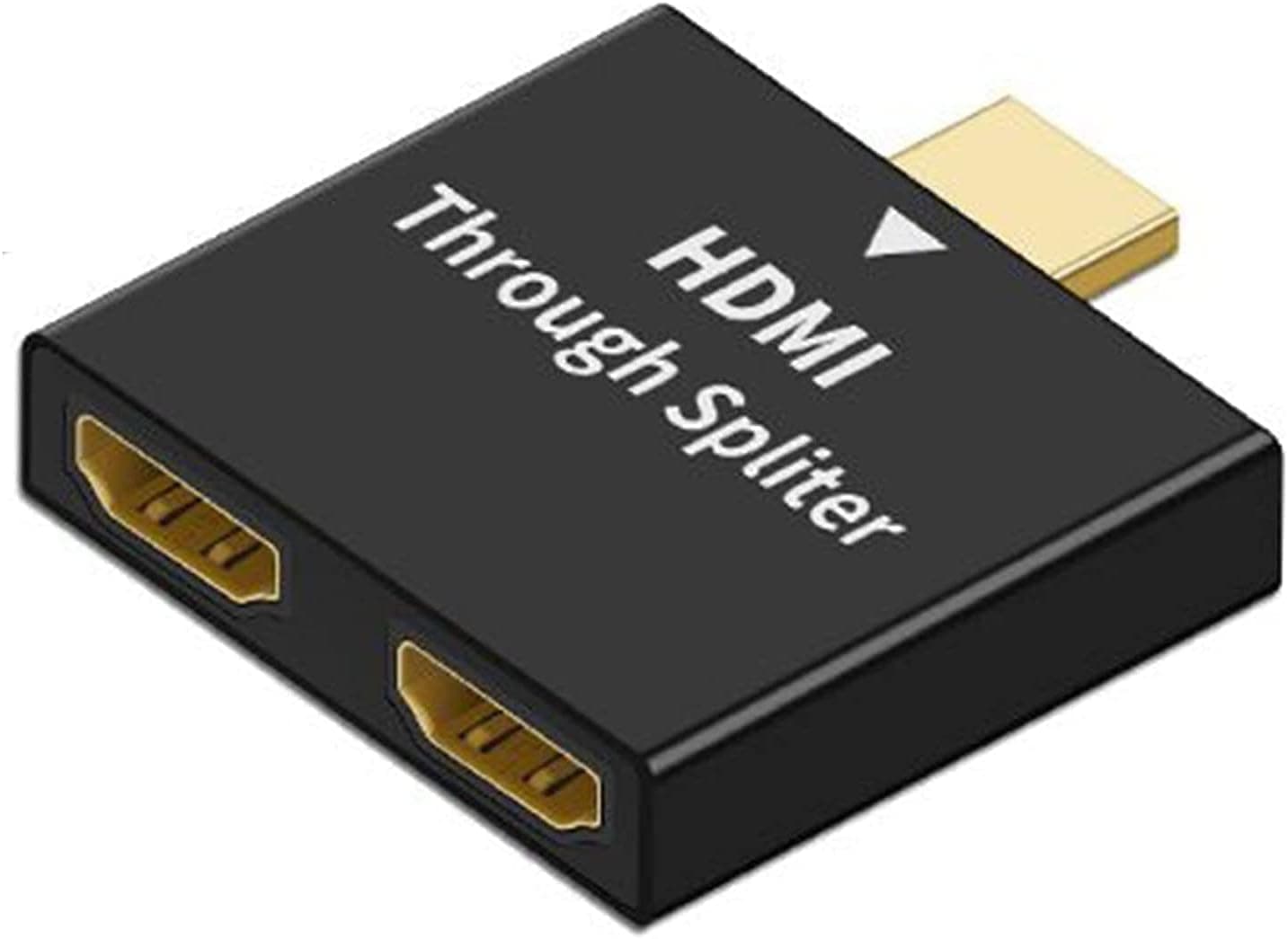
A duplicate or mirror only 1x2 4K HDMI splitter with a 1 to 2 amplifier for Full HD 1080P and 3D on dual monitors.
Price range: See on Amazon
What we liked
- + Clear mirror only labeling avoids confusion about extending displays
- + Amplified output helps with slightly longer HDMI cables
- + Low-cost way to feed two TVs from one cable box
Trade-offs
- - Not suitable for PC users wanting a separate second desktop
- - No HDR support mentioned for streaming sources
What this splitter does
This is a 1 in 2 out HDMI splitter, meaning it takes a single HDMI source and duplicates that same signal to two separate displays simultaneously, such as sending a cable box or streaming device's output to both a living room TV and a second TV in an adjoining room. The product is explicitly labeled as duplicate or mirror only, not an extend function, which means it cannot be used to give a computer two different desktops or extended screen real estate the way a proper dual-monitor graphics setup would. This distinction matters because some buyers shopping for dual-monitor computer setups actually want an extend function, and this type of mirror-only splitter is the wrong tool for that specific use case even though it is often searched for in the same context.
Resolution and signal support
The splitter supports resolutions up to 4K, but only at 30Hz, along with a range of lower resolutions including 1080p at 50 to 60Hz, 1080i, 720p, and standard-definition formats, covering most cable box, DVD, and older streaming device outputs without issue. An internal amplifier boosts the duplicated signal to both outputs, which helps maintain picture quality when driving two displays or slightly longer HDMI cable runs compared to a basic unpowered splitter cable. The device draws power from a DC 5V source rather than pulling power through the HDMI connection itself, so a power adapter or USB power source is part of normal operation rather than an optional accessory.
HDCP and content protection limitations
This splitter is not compatible with HDCP 2.2, the newer content protection standard used by many 4K Ultra HD Blu-ray players and some 4K streaming sources for protected content. In practice, this means some 4K sources with strict content protection may fail to display properly or may fall back to a lower resolution when routed through this splitter, even though the splitter's own resolution ceiling of 4K at 30Hz would otherwise support the signal. Buyers planning to split a 4K UHD Blu-ray player or a premium 4K streaming box with HDCP 2.2 content protection should confirm compatibility carefully, since this is the kind of limitation that only becomes obvious after the source device refuses to output a picture through the splitter.
Practical uses in a home theater setup
A mirror-only splitter like this one fits situations such as feeding one cable or satellite box to two TVs in the same or adjoining rooms, so a single subscription or box can serve both locations without needing a second receiver box. It also works for simple presentation setups, sending a laptop's screen to both a projector and a monitor at the same time for a small meeting or classroom. Since output resolution is capped at 4K 30Hz and HDCP 2.2 protected content is not supported, this is best treated as a budget solution for basic cable, streaming stick, or DVD sources rather than a premium 4K UHD or gaming-focused HDMI splitter.
Who should buy this splitter
This splitter suits buyers who need to duplicate one HDMI source to two TVs or displays showing the identical picture, such as a shared cable box feeding a living room and a kitchen or bedroom TV. It is a low-cost way to avoid paying for a second cable box or streaming subscription in a second room. Buyers wanting to extend a desktop across two separate monitors, or anyone needing full HDCP 2.2 compatibility for premium 4K Blu-ray or streaming content, should look at a different product built specifically for those needs instead of this mirror-only splitter.
Frequently asked questions
Can this splitter extend my desktop across two monitors?
No, it only mirrors or duplicates the same image to both outputs. It cannot extend a desktop across two separate displays.
What is the maximum resolution this splitter supports?
It supports up to 4K resolution, but only at 30Hz, along with various lower resolutions like 1080p at 50 to 60Hz.
Does this splitter support HDCP 2.2 protected 4K content?
No, it is not compatible with HDCP 2.2, which can affect some 4K Ultra HD Blu-ray players and premium streaming sources.
Does the splitter need its own power source?
Yes, it requires a DC 5V power source rather than drawing power through the HDMI connection alone.
Prices change often, so check the current price and availability on Amazon.
Check price on AmazonHome Theater Setup Hub may earn a commission from the link above.